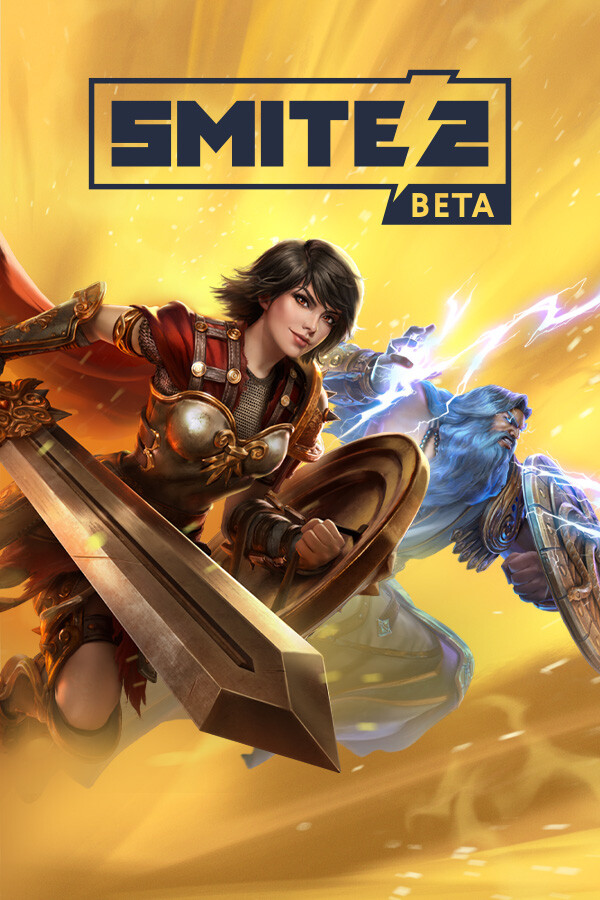
SMITE 2
Fight as mythological gods in a third-person MOBA built around team strategy, skill shots, and powerful abilities. Install on Windows through the official Epic Games Launcher.
 NeonRoof
Browser games
NeonRoof
Browser games
Fight as mythological gods in a third-person MOBA built around team strategy, skill shots, and powerful abilities. Install on Windows through the official Epic Games Launcher.
Sign in so purchases and claims attach to your account. The Windows platform is optional for supported direct downloads.
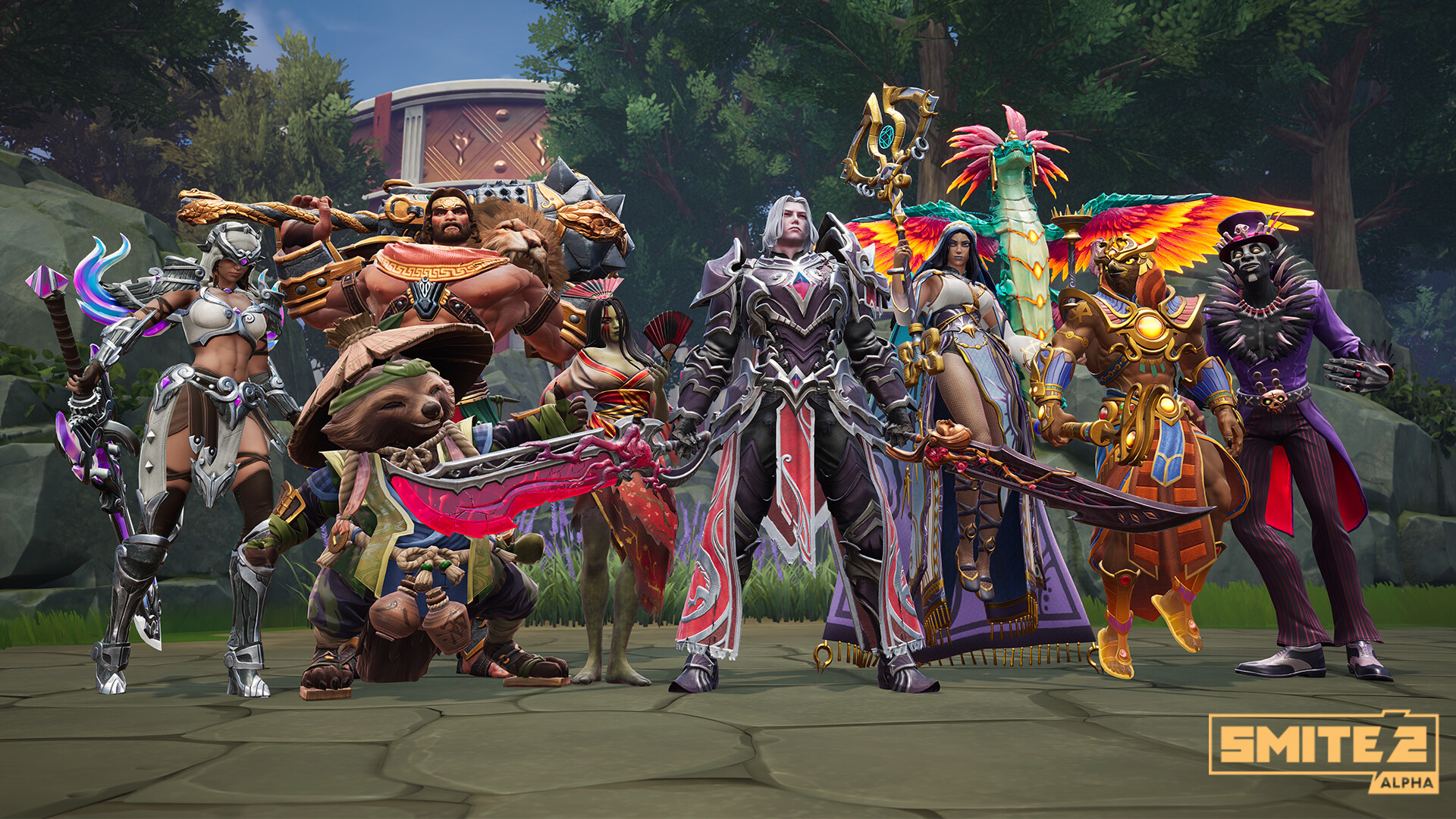
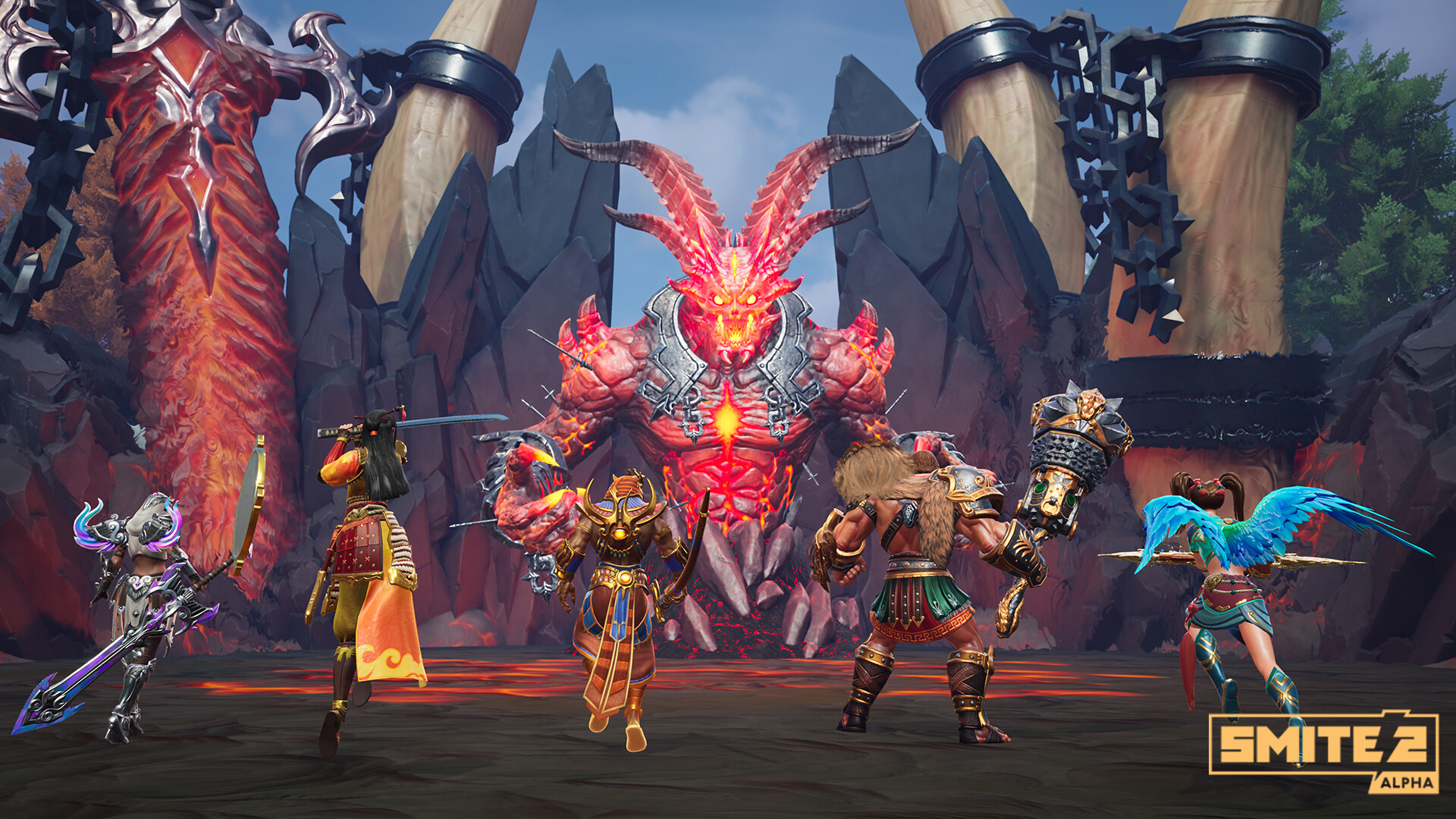
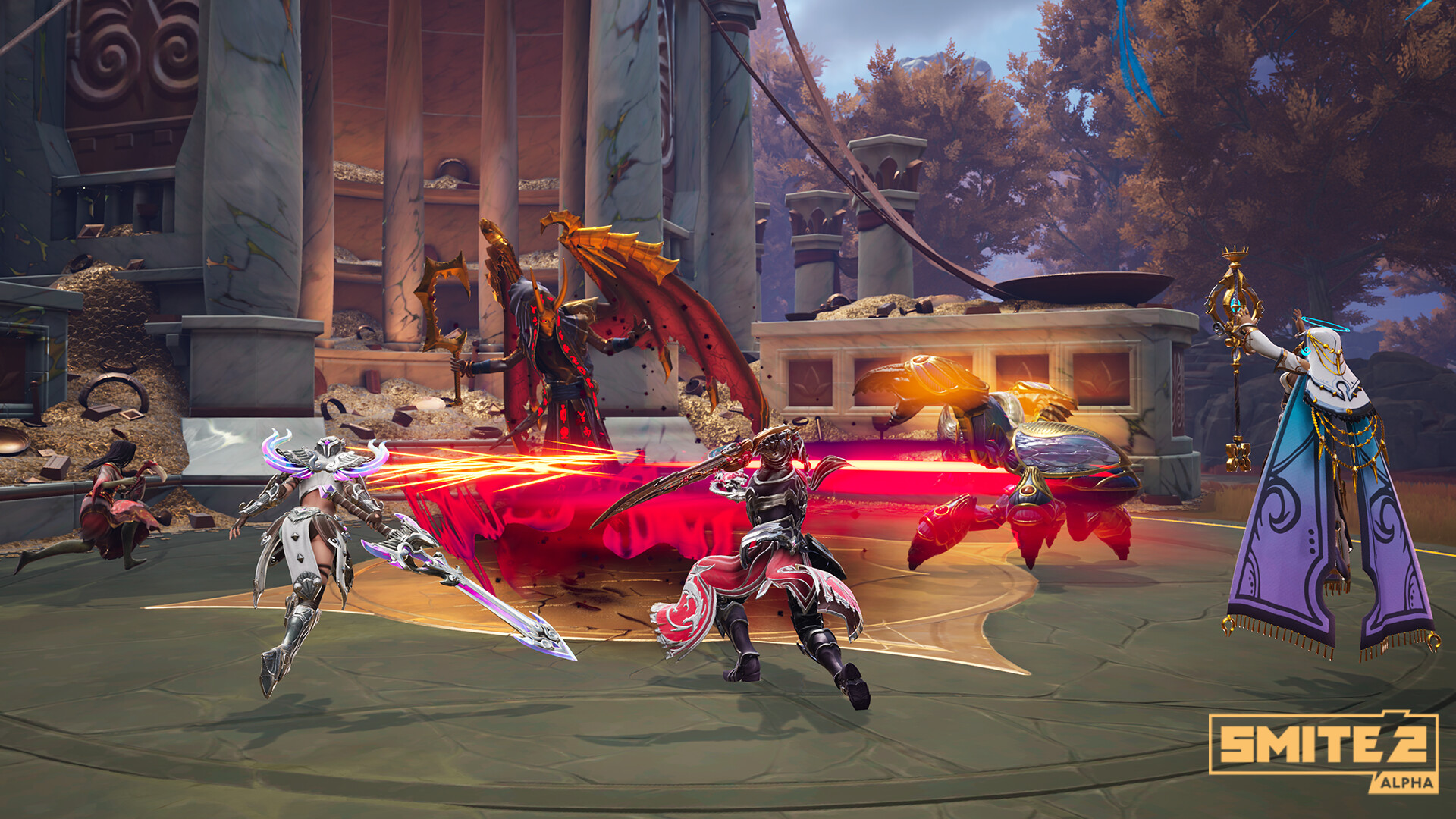
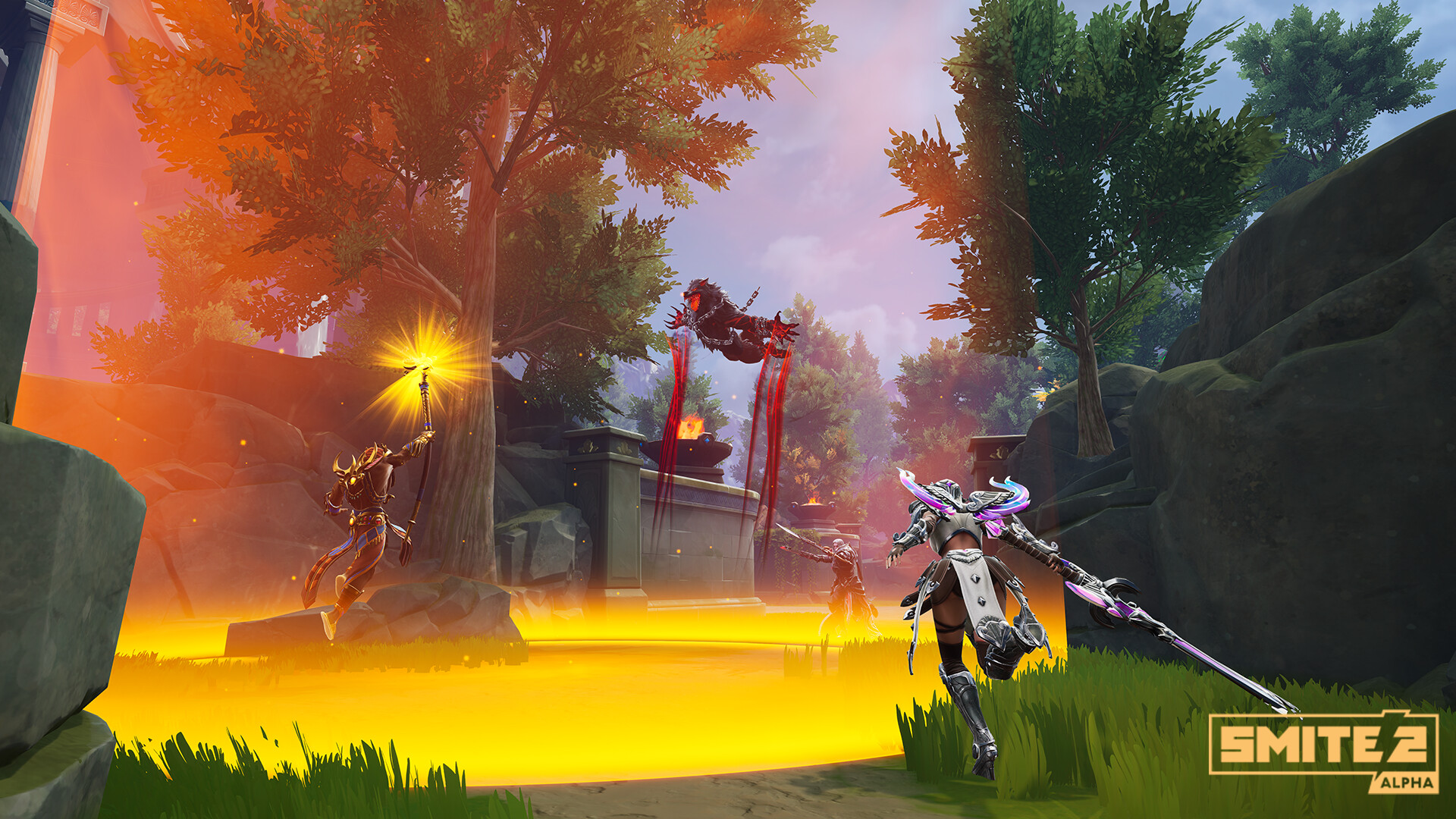
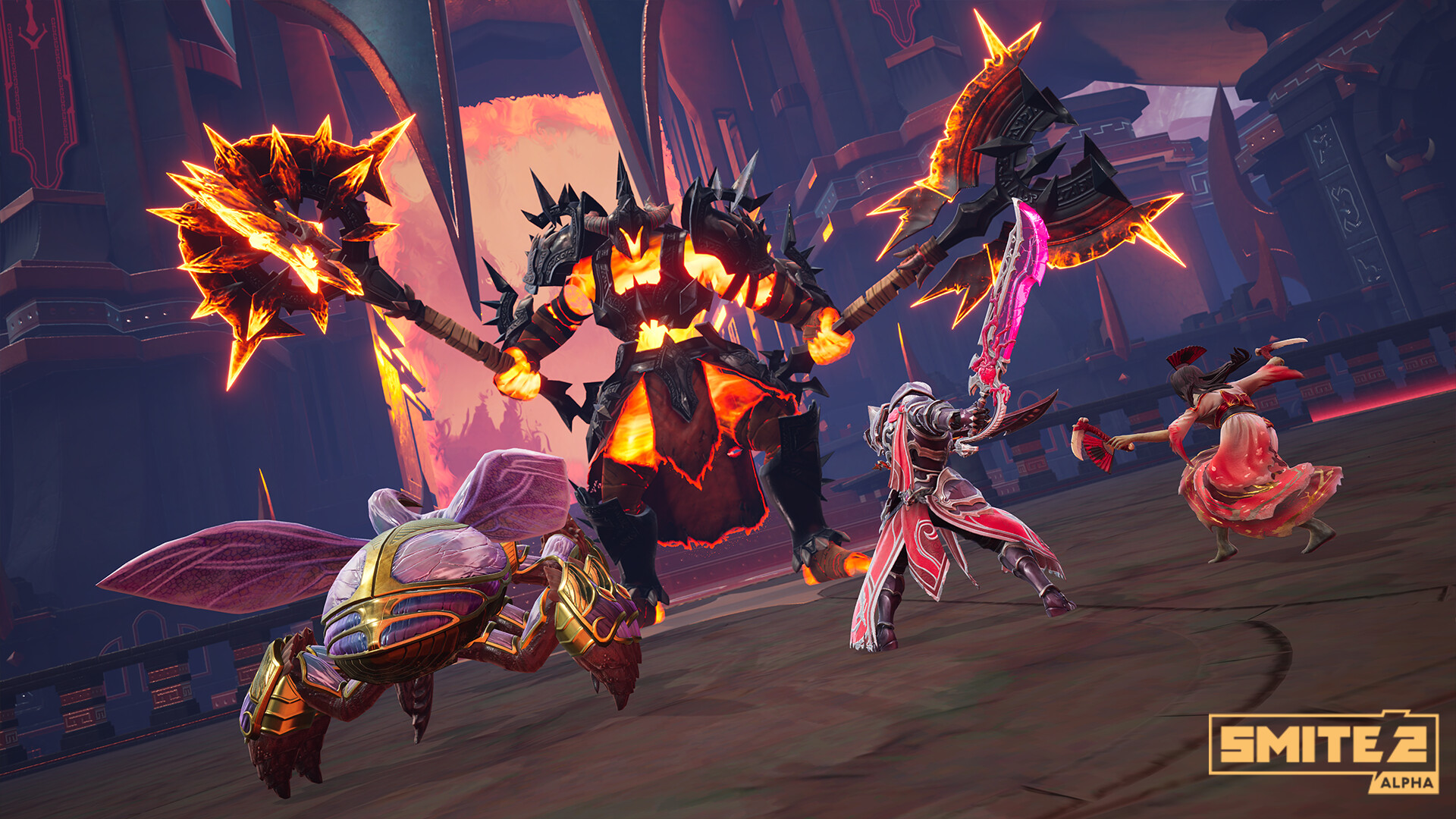
Fight as mythological gods in a third-person MOBA built around team strategy, skill shots, and powerful abilities. Aim abilities directly while coordinating with teammates around objectives. This is SMITE 2, separate from the original SMITE. The free game is offered through Epic Games Launcher; paid packs and other optional content are separate. Check the publisher for the current development status and modes. How do I install SMITE 2 on PC? Download the official Epic Games Launcher Windows installer from NeonRoof, run setup, and sign in or create the required publisher account. Then select SMITE 2 in the launcher and download the full game. The installer is approximately 252.0 MiB; the full game and updates download separately. This is a Windows PC installer, not an Android APK or a browser game. In Epic Games Launcher, search for SMITE 2, claim the free base game, and install it. An Epic Games account is required. The base game is free to play, with optional purchases; publisher terms and regional availability apply. Is SMITE 2 free? The base game is free to play. Additional packs, memberships, cosmetics, currency, or other optional content may cost money. Check the publisher’s terms before purchasing. Screenshots and video This gallery uses publisher-supplied screenshots and promotional scenes. The featured YouTube video is “SMITE 2 Free-to-Play Launch Trailer” from Epic Games. Some trailers show console footage or earlier releases; features, events, and optional items may change. See the official website for current availability and requirements. Independent catalog listing. NeonRoof is not affiliated with or endorsed by this project's developers. Downloads are provided by the project's official distribution source.
 0 A.D.
 10 Minutes Till Dawn
 8Bit Killer
 A Dance of Fire and Ice (Browser Demo)
 A Dark Room
 AAAAXY
 ADOM Classic (ASCII)
 Adventures With Anxiety!