The NeonRoof Platform Showcase
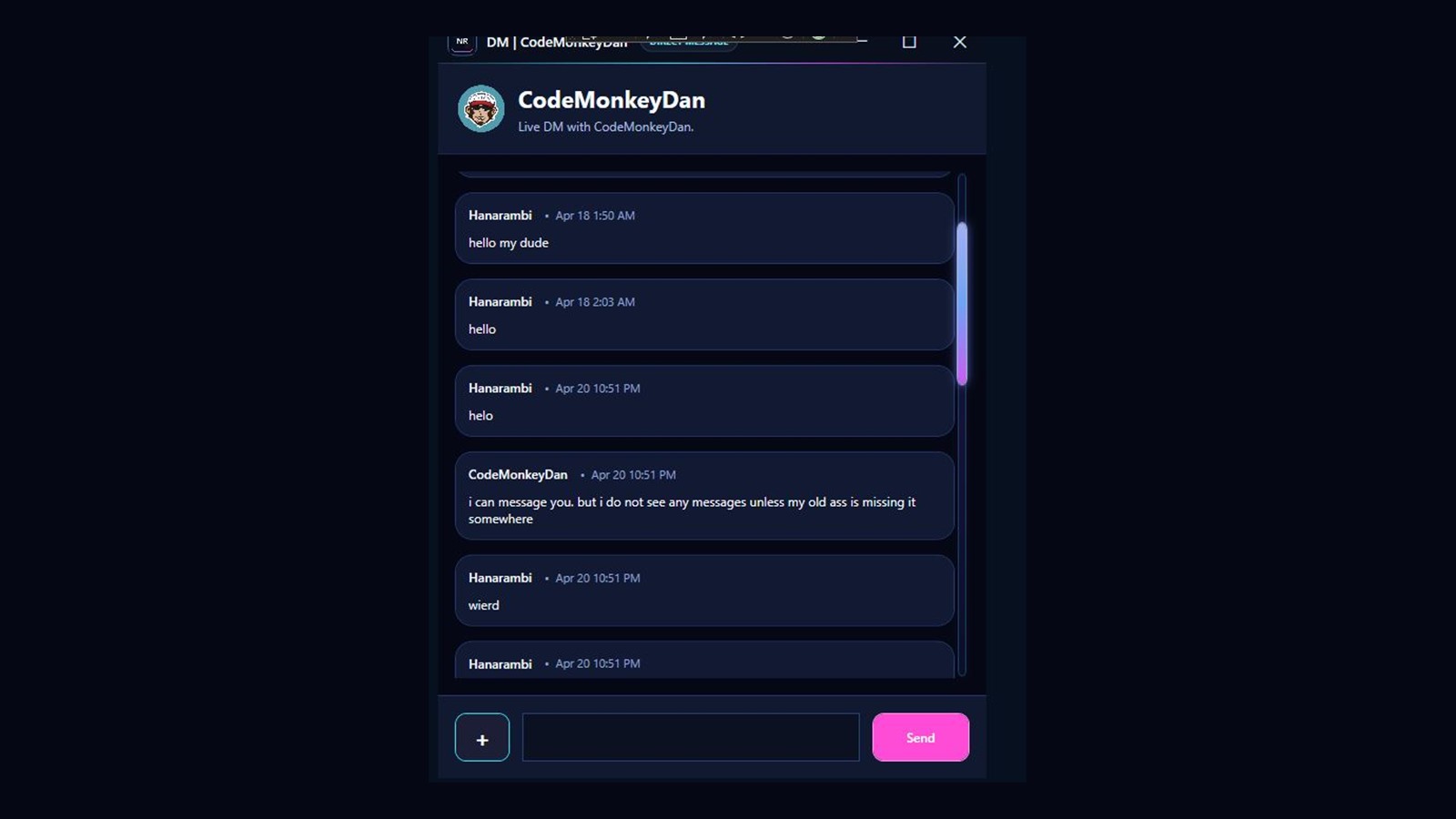
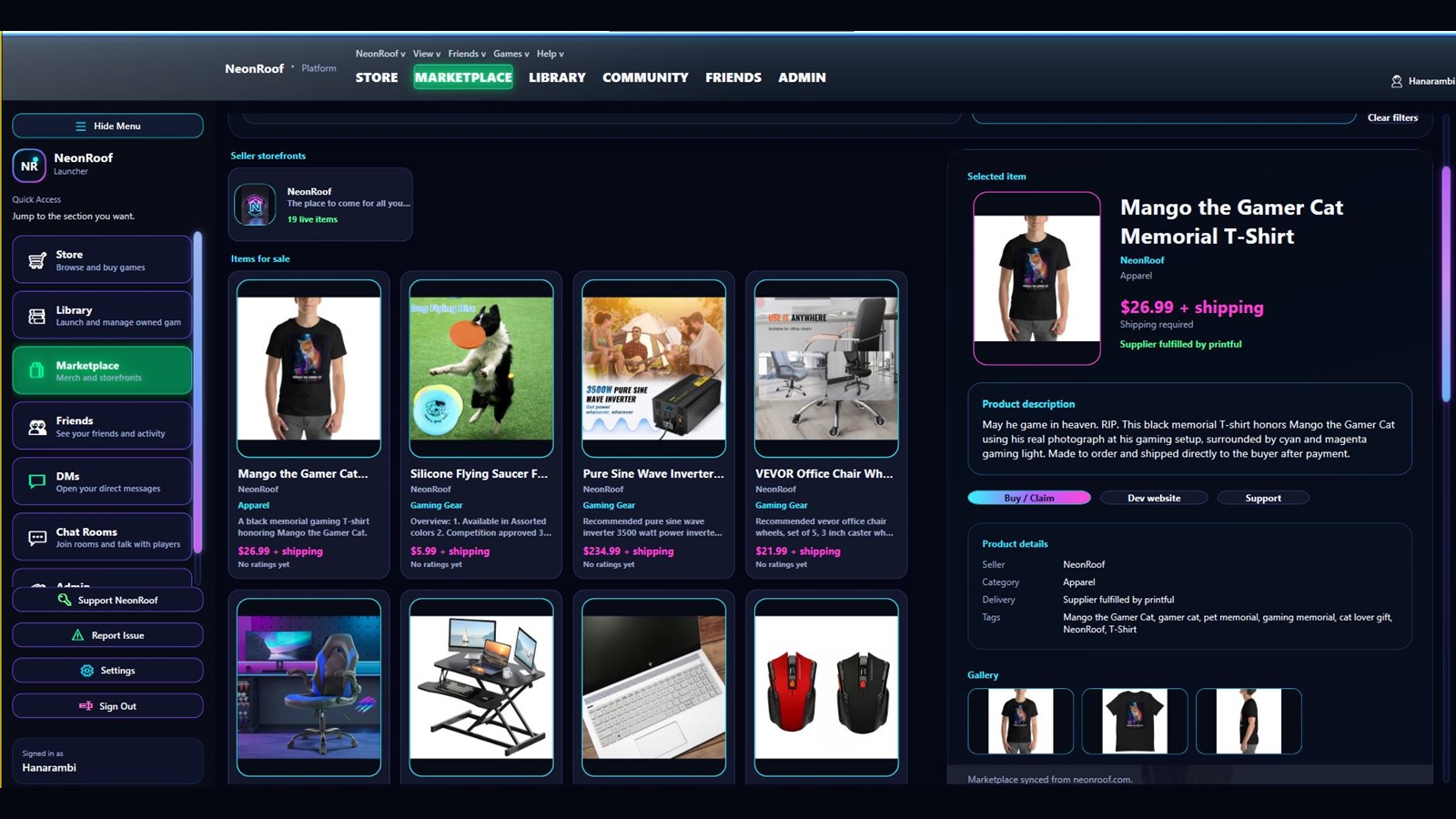
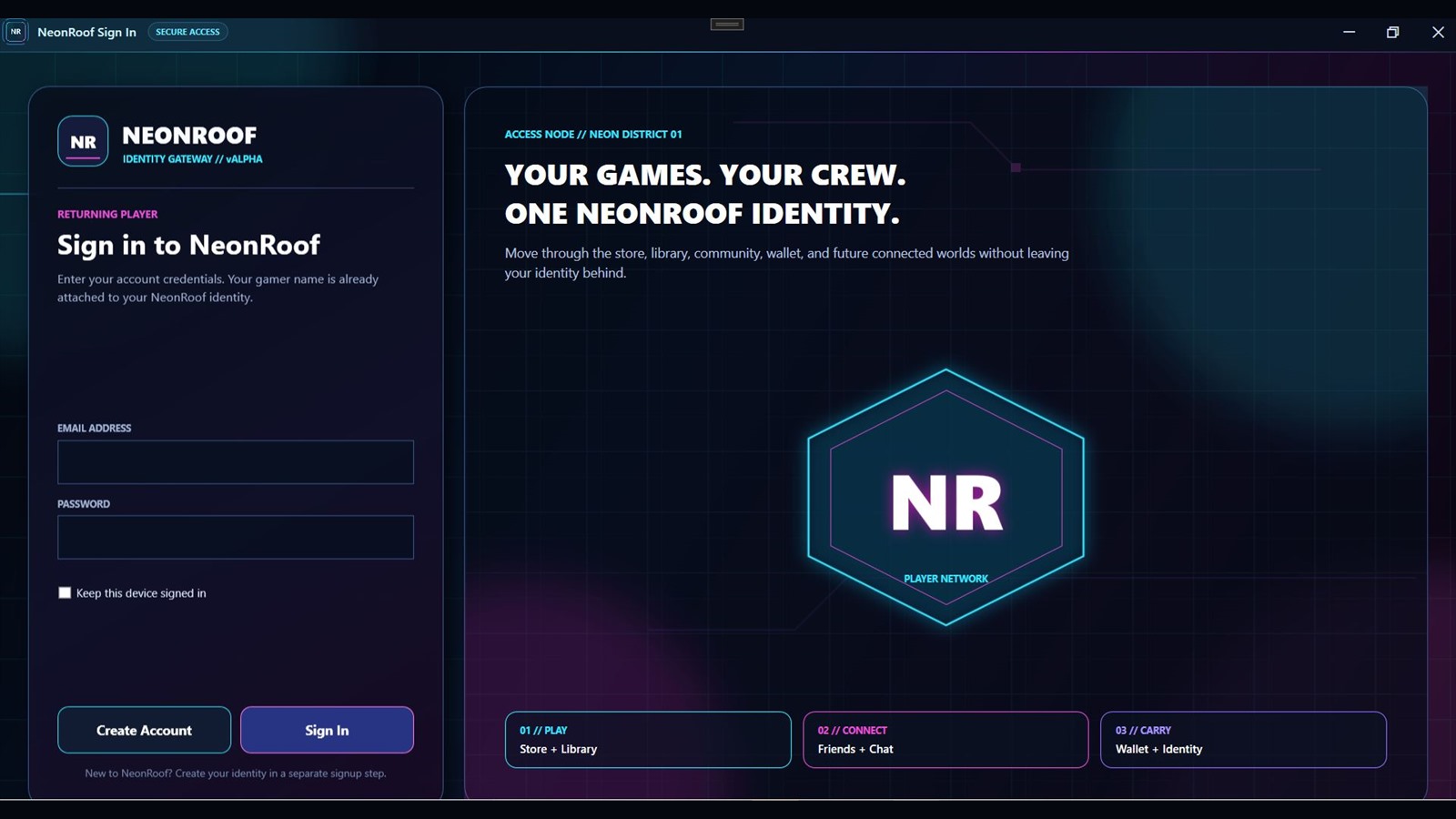
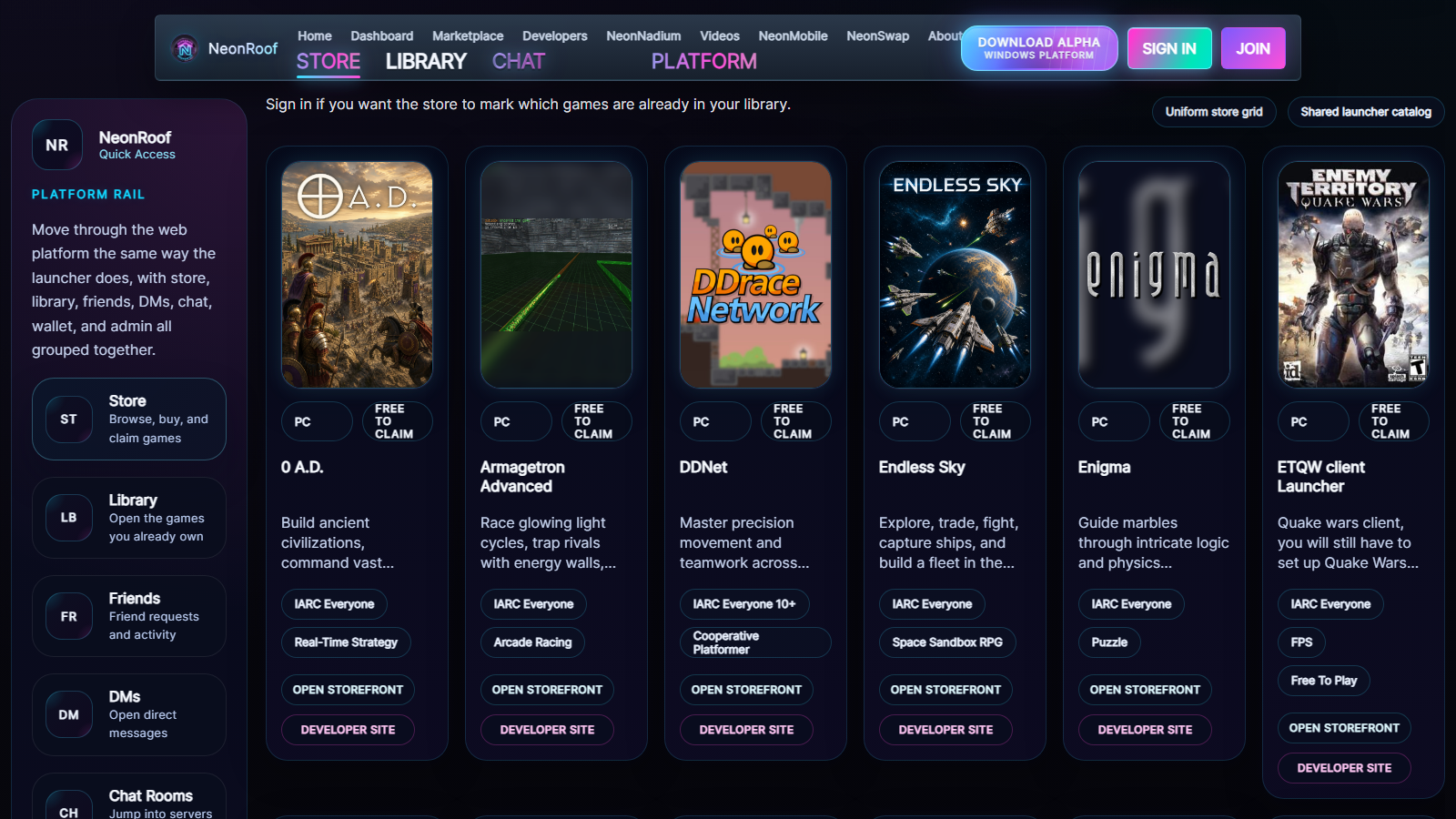
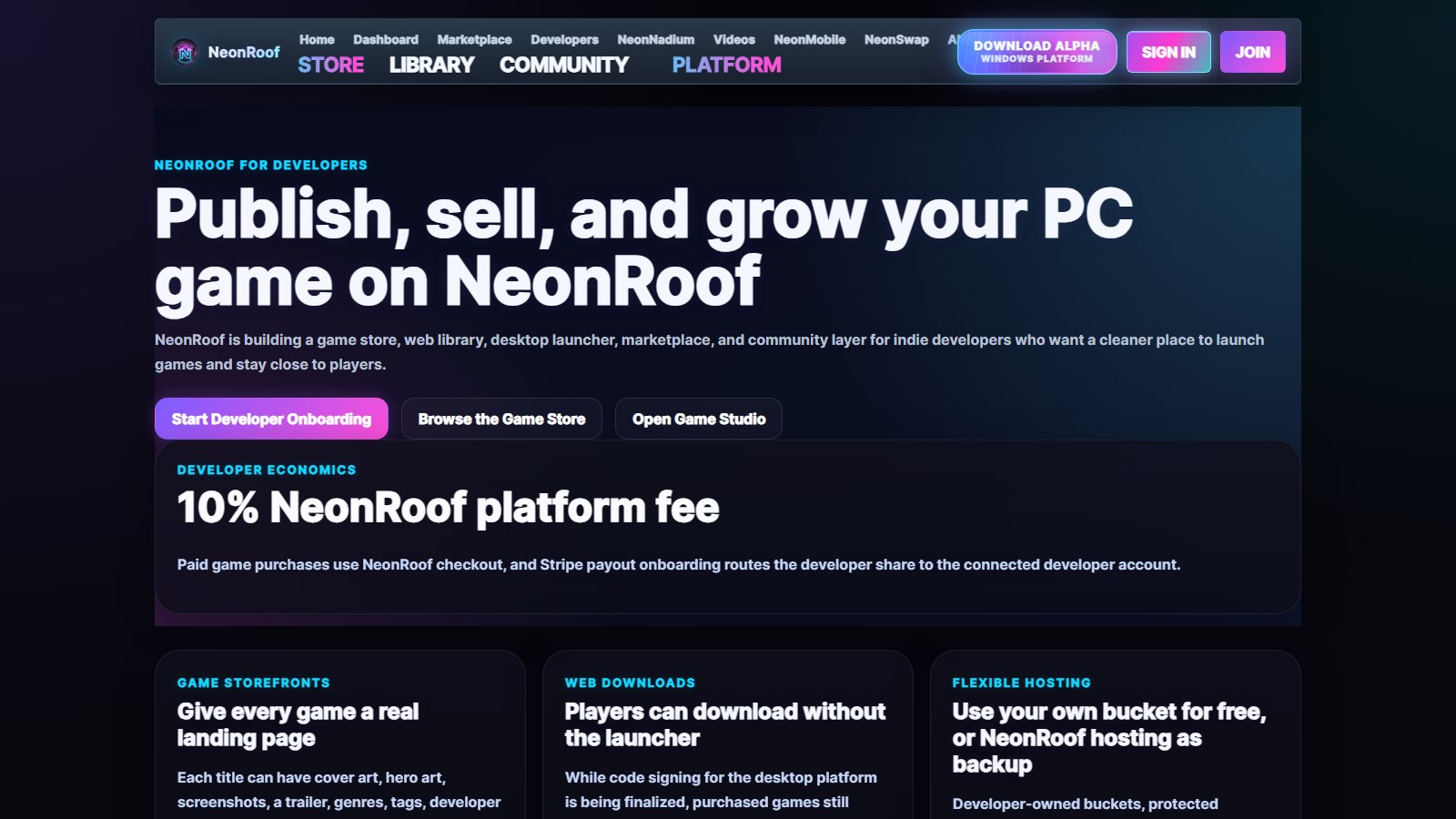
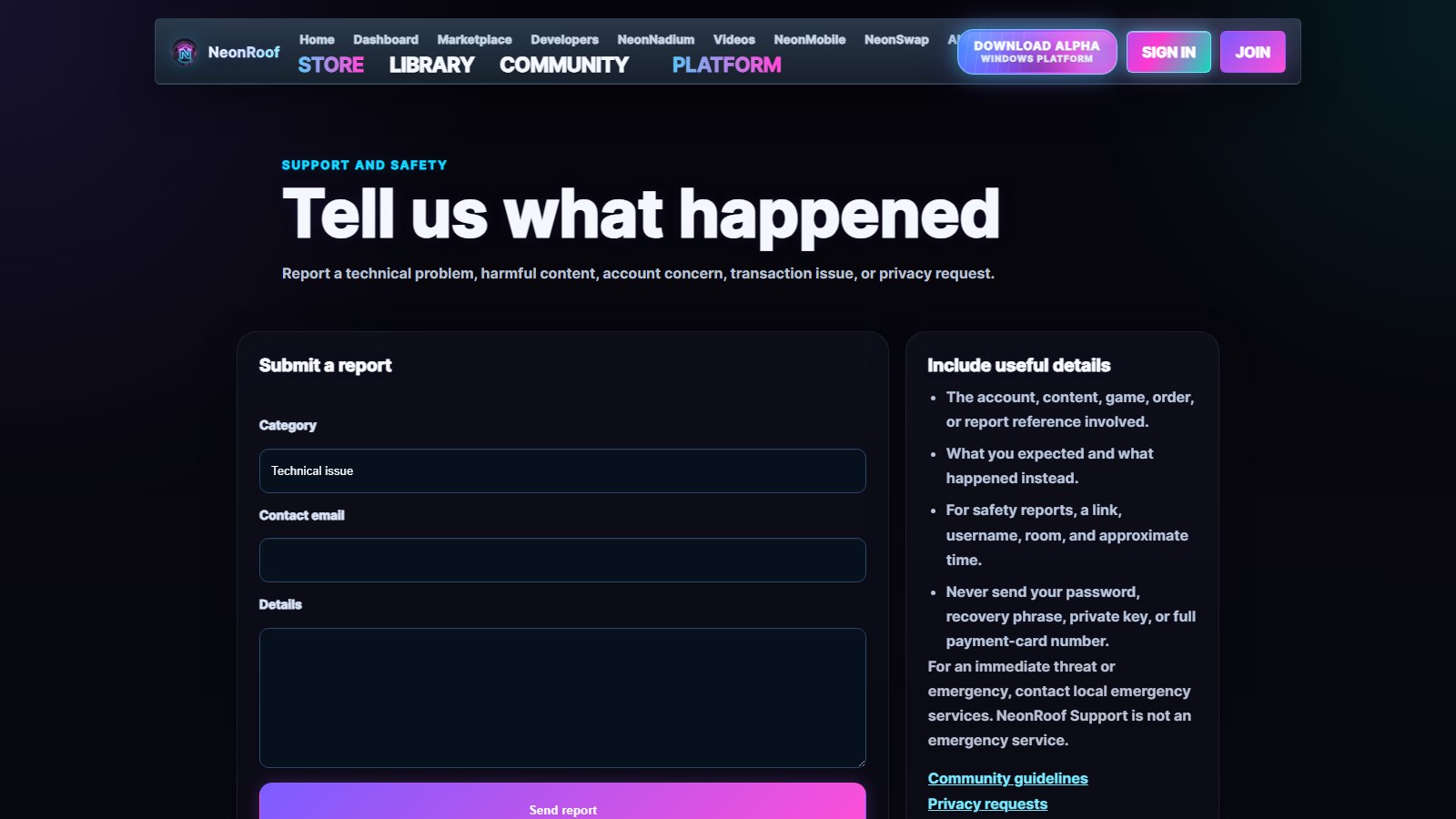
Explore the NeonRoof interface through a scrolling gallery of current WPF platform screens, including secure sign-in, the PC game store, installed library, player profiles, community chat, direct messages, and the creator marketplace.
Install NeonRoof from Microsoft Store
Install the approved NeonRoof Windows platform through Microsoft Store. No invite code or download PIN is required.
Microsoft Store for Windows 10 and Windows 11NeonRoof is officially available from the NeonRoof Microsoft Store listing. The downloadable Microsoft Store installer for NeonRoof is signed by Microsoft Corporation and uses the same Store-managed installation path. Read the complete NeonRoof Windows download guide for platform features, player benefits, developer tools, and installation answers.
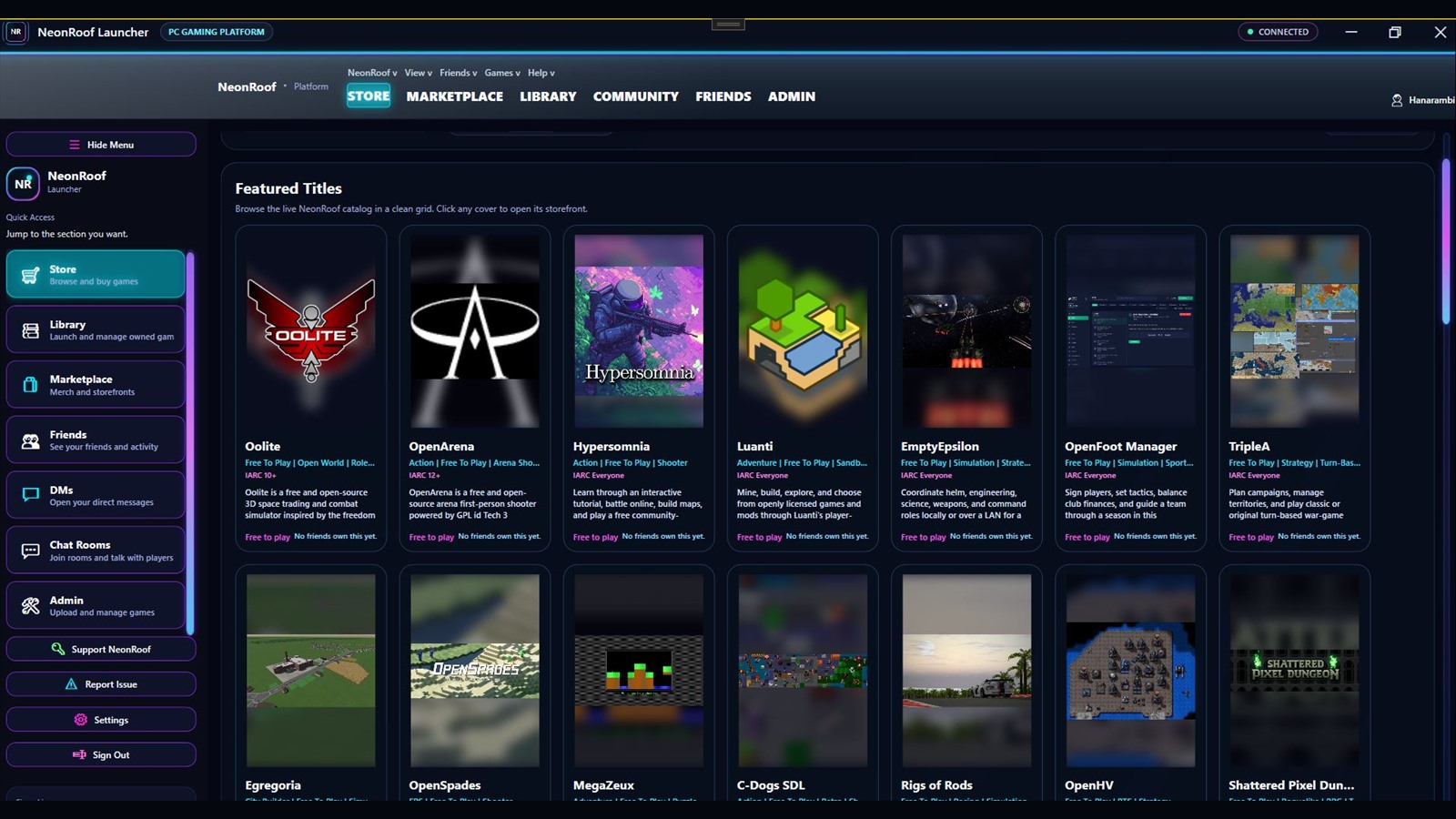
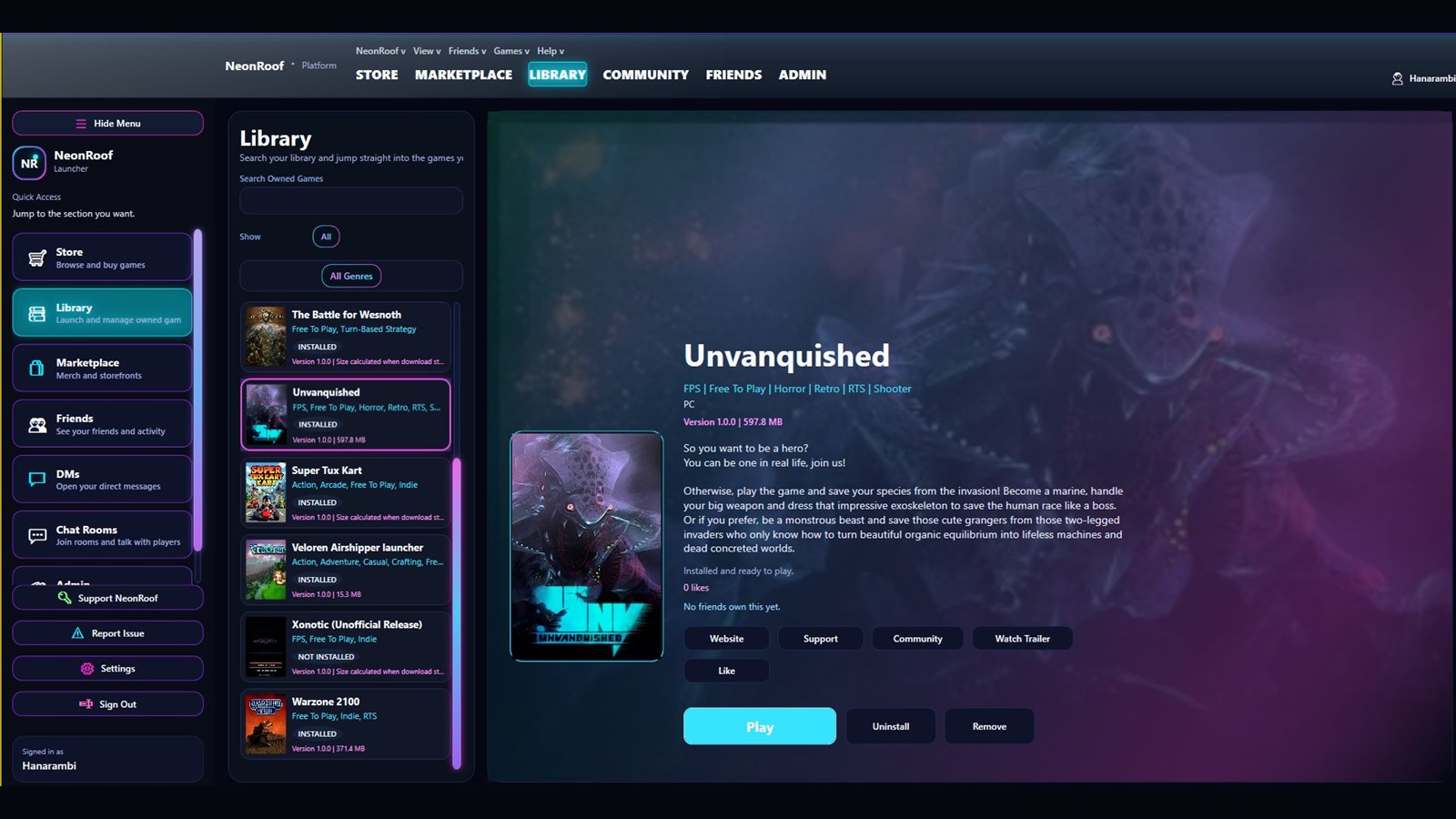
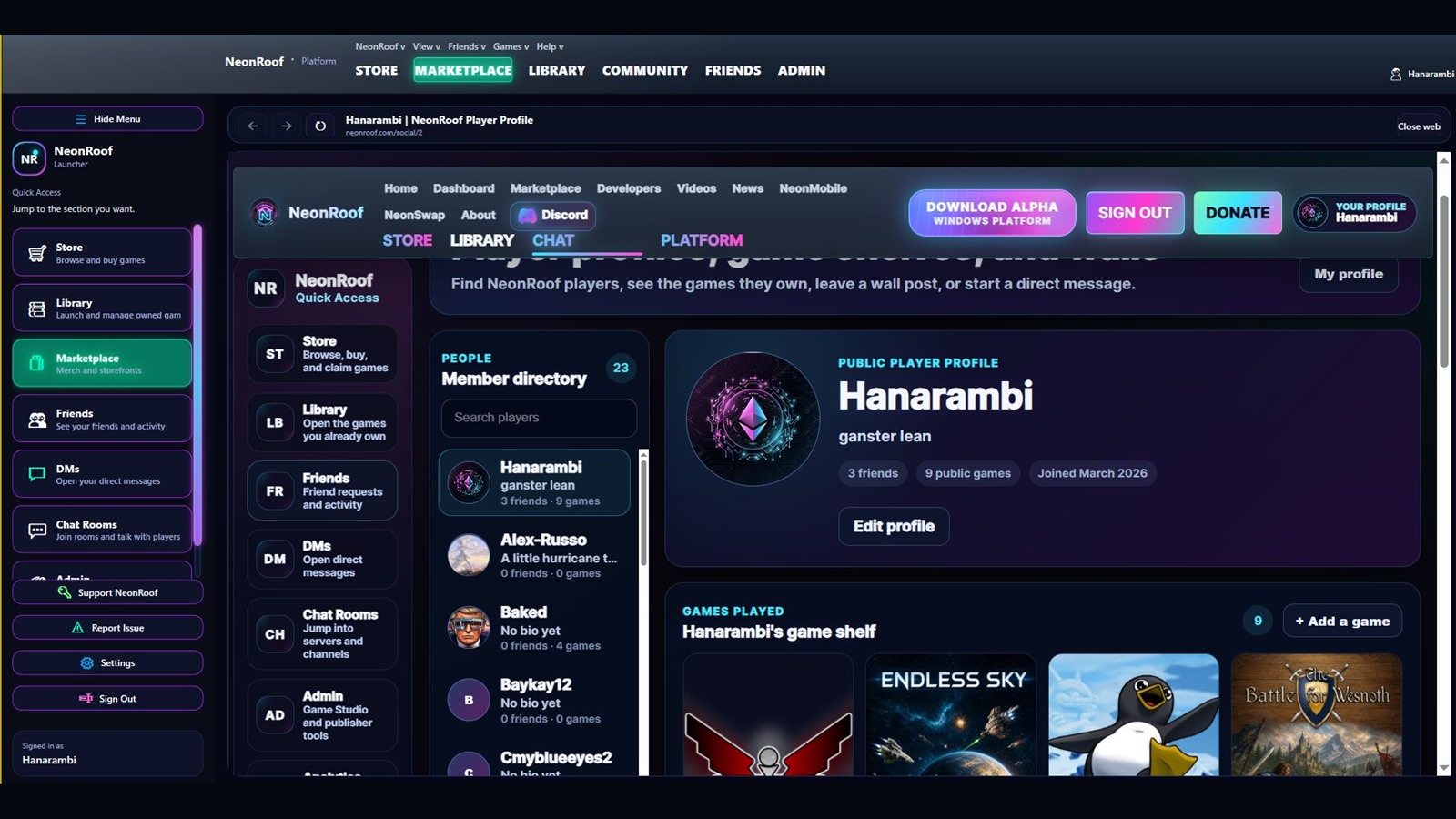
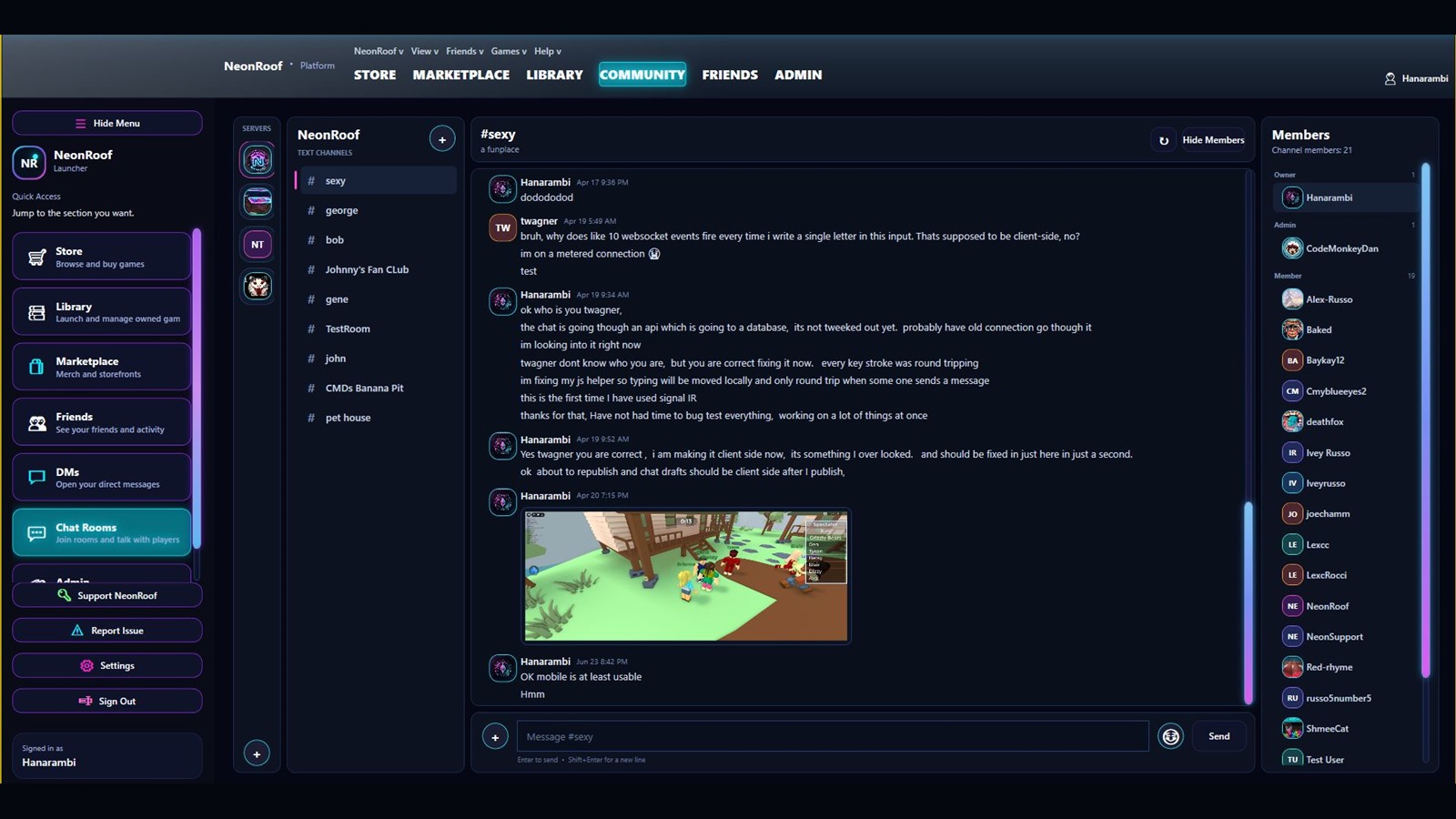
Games first
The dark theme keeps games, downloads, friends, and conversations easy to find. Neon accents mark important actions without taking over the screen.