Mobile-friendly games first
The current test build lists browser games with phone-friendly titles first. Search by name, choose a genre, or filter for phone-friendly games.
Discover browser games, tap play, and stay close to your gaming community.
NeonMobile is the NeonRoof Android app, currently in testing. It brings the browser game catalog, game details, community chat, and your NeonRoof account together on your phone.
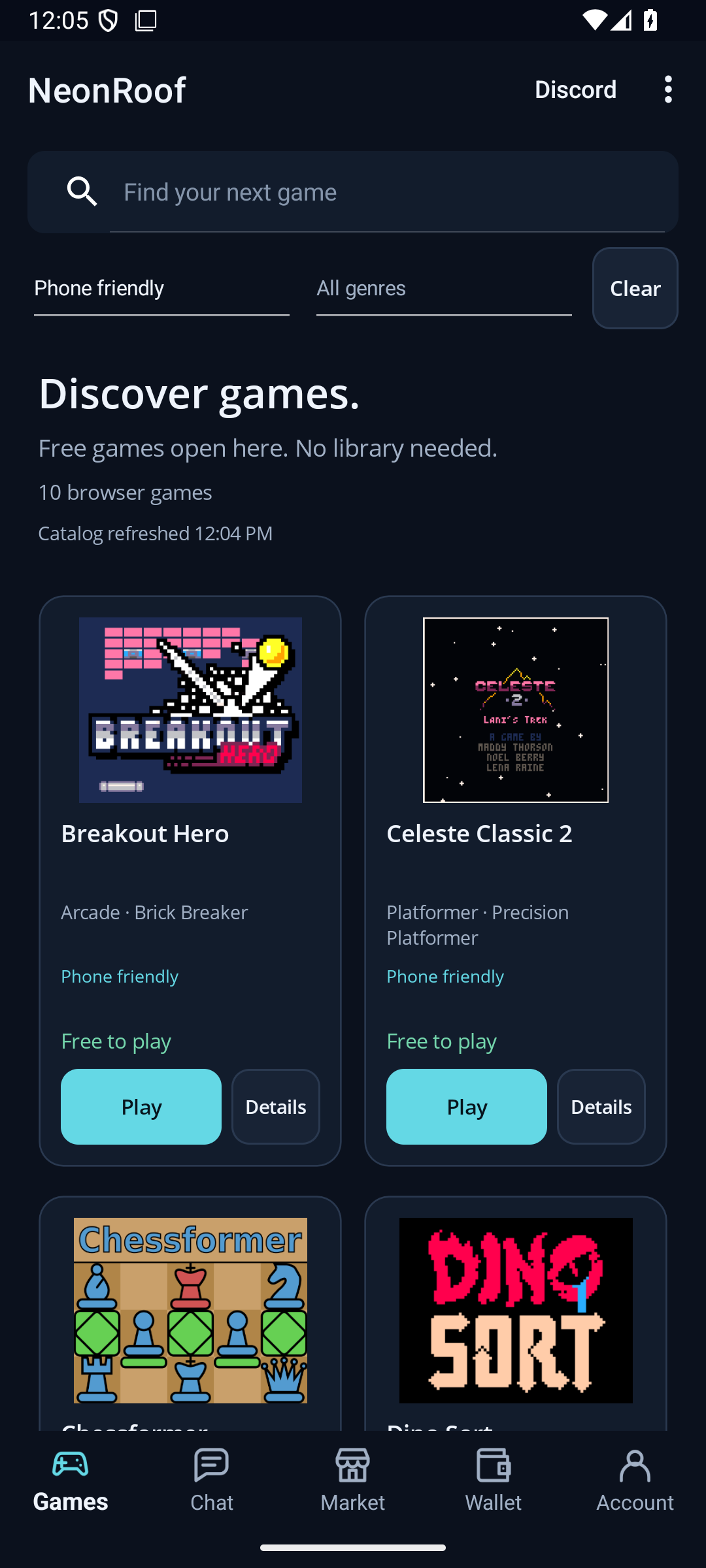
The current test build lists browser games with phone-friendly titles first. Search by name, choose a genre, or filter for phone-friendly games.
Sign in, choose a free browser game, and tap Play. You do not need to claim it or add it to a library before playing in the Android app.
Use your NeonRoof account for community chat and find a quick link to the NeonRoof Discord server from the app.
These screenshots come from Android test builds, not concept designs. Select any image to view it at full size. On a phone, swipe across the gallery.
Search, filters, game artwork, and a clear path to Play.
Android preview 0.4.0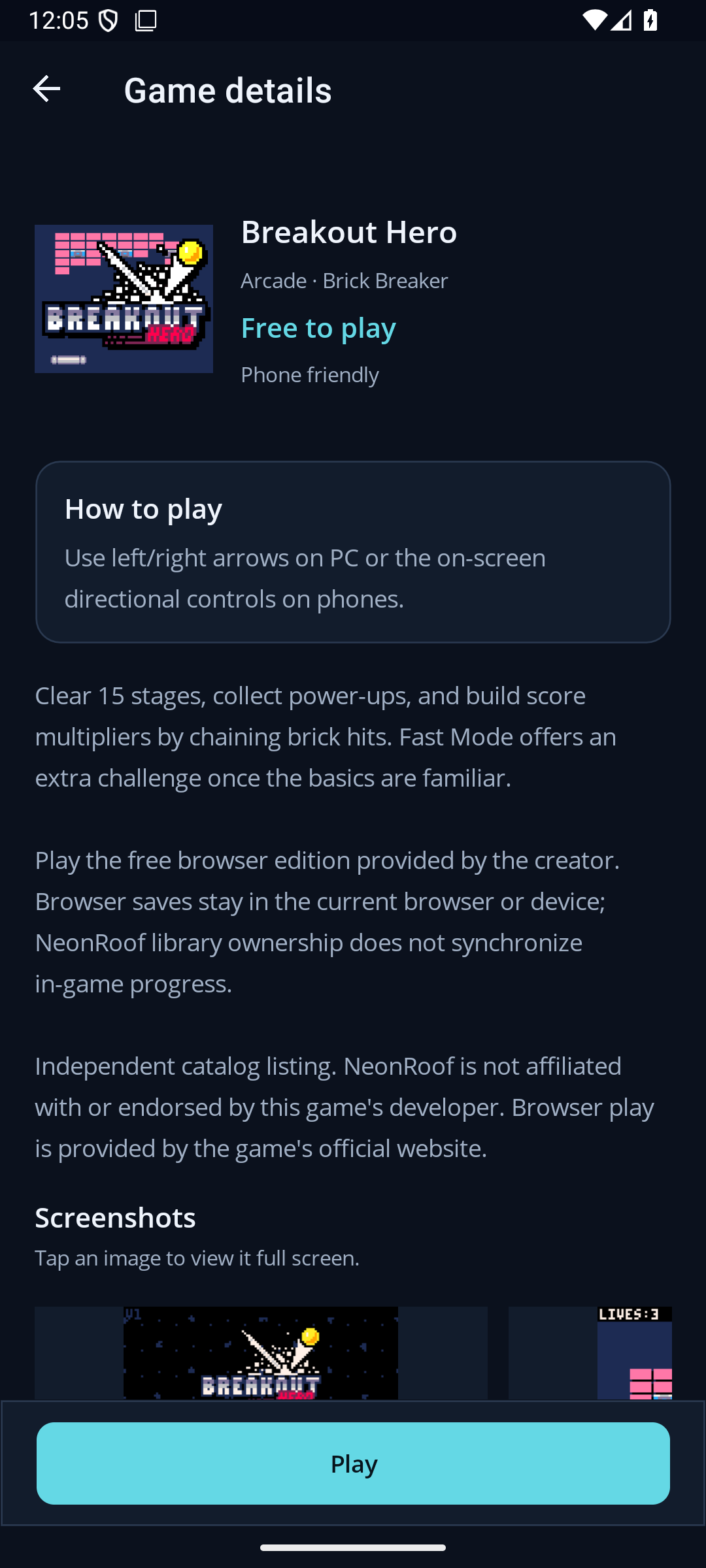
Read the controls and game description before starting.
Android preview 0.4.0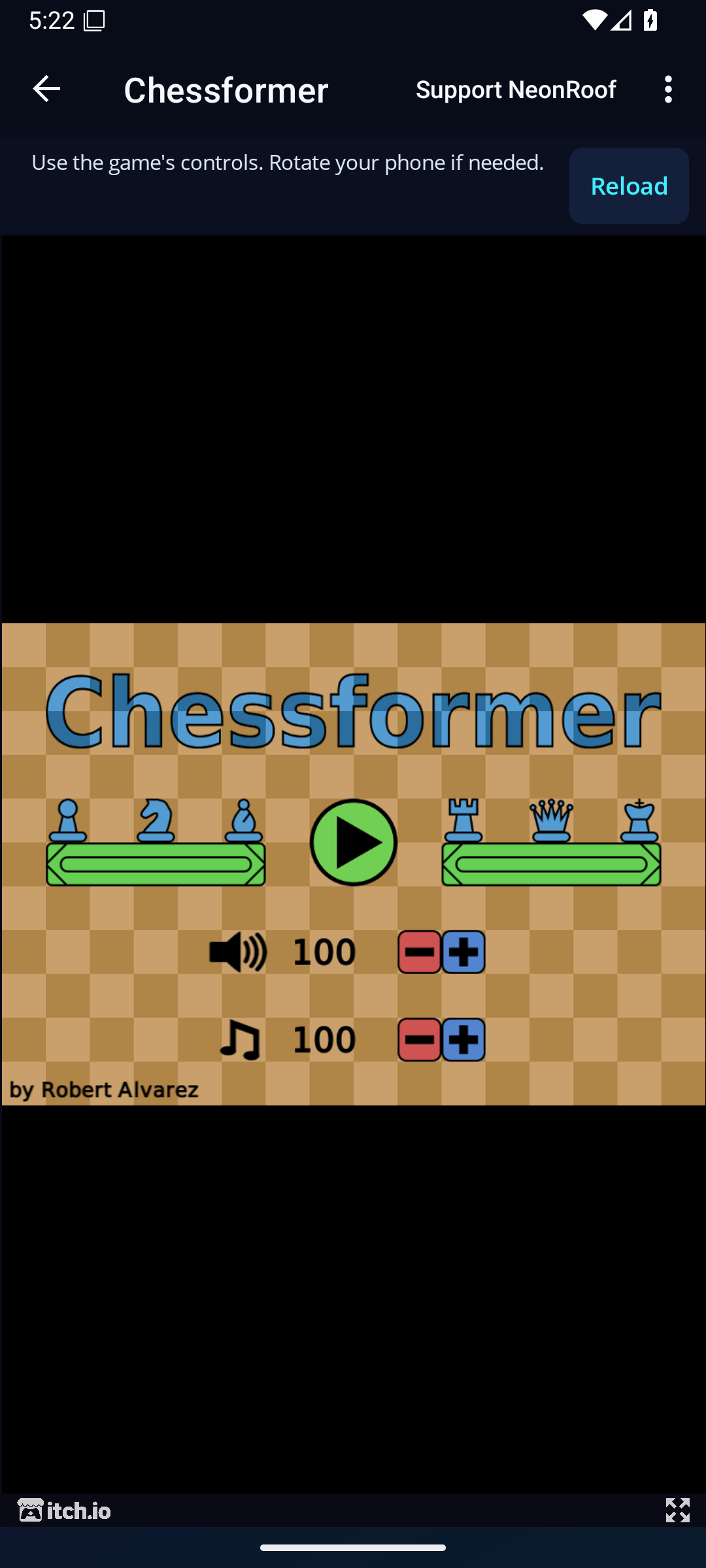
An actual browser game opened inside the Android app.
Android preview 0.3.0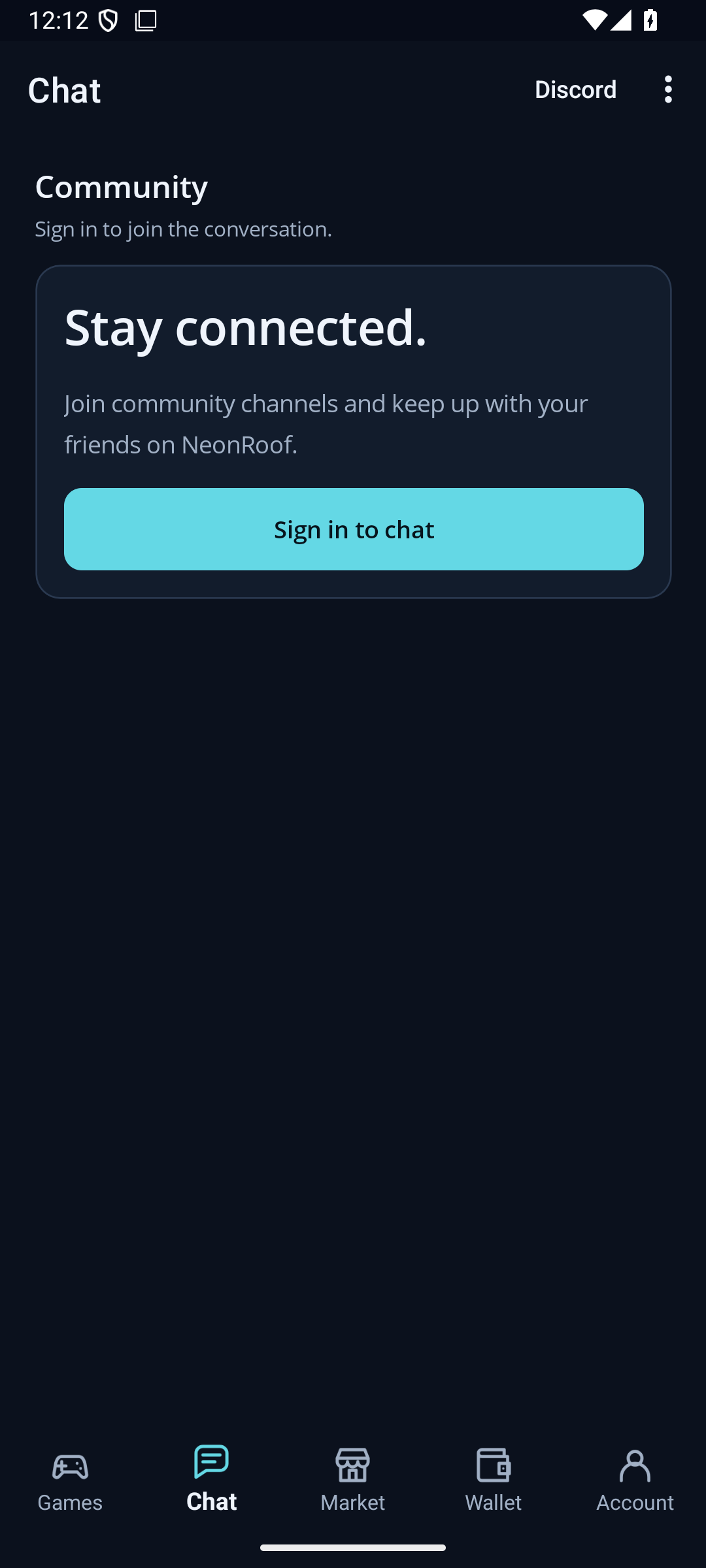
Connect with the community and reach NeonRoof on Discord.
Android preview 0.4.0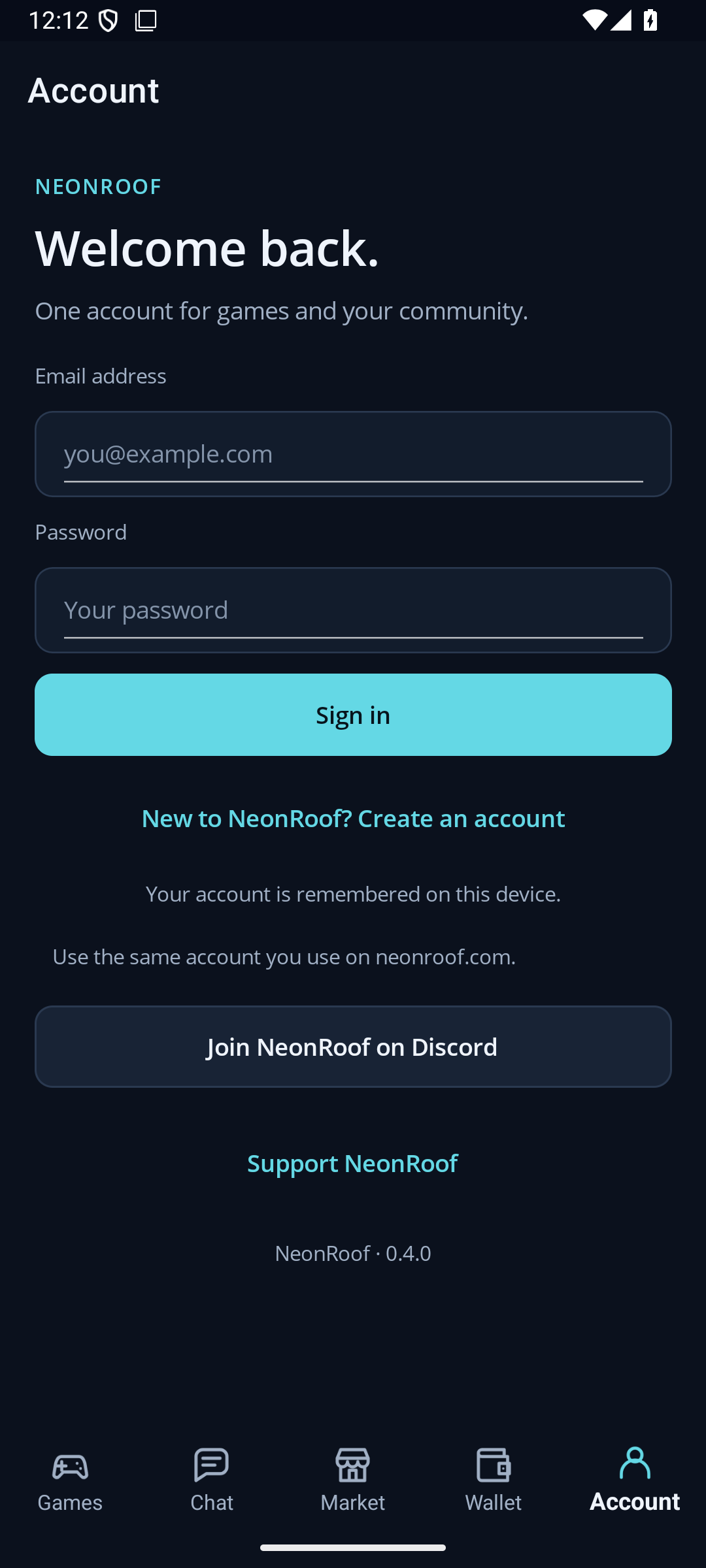
Use your existing account or create one to get started.
Android preview 0.4.0The gallery shows previews 0.3.0 and 0.4.0. The current test build is 0.4.2, which also includes mobile-friendly sorting and an optional touch gamepad for keyboard games. The interface and catalog may change before release.
Browse without signing in. When you are ready to play, use the same NeonRoof account you use on the website.
Create a NeonRoof accountNeonMobile is NeonRoof's Android app for discovering and playing browser games, viewing game details, and accessing community chat with a NeonRoof account. It is currently in testing.
A public NeonMobile download and Google Play release are not available yet. For now, you can play supported browser games on the NeonRoof mobile website at neonroof.com/m.
You can browse the catalog without signing in. You must sign in with a NeonRoof account to play in the app. Free browser games open directly, with no need to claim them or add them to a library.
The app remembers your account session on your device using secure storage. You may need to sign in again if you sign out or your session expires or is revoked.
The Android app reads NeonRoof's live browser game catalog. Newly published browser games can appear when the catalog refreshes without needing a new app release for each game.
The current test build offers an optional on-screen gamepad for browser games that are not marked phone friendly. It supports arrow keys or WASD and configurable action buttons. Phone-friendly games use their own touch controls. Mouse aiming or special inputs may still make some games unsuitable for a phone.
The same NeonRoof account works across the website and app, but in-game progress is not automatically synchronized by NeonRoof. Saves depend on each game's own account system or browser storage.
NeonMobile focuses on browser games and online community features. An internet connection is needed to load the catalog and online games. Windows download games do not run in the Android app; you can still browse the full store on NeonRoof's website.
The current development and testing focus is Android. An iPhone version is not available, and no iPhone release date has been announced.
Join the NeonRoof community for app news, or start exploring browser games on the mobile website today.