Compatible Doom source port, e.g. GZDoom
Download file ↗Doom / Doom II · Registered Doom / The Ultimate Doom / DOOM.WAD
Official release package1.23 (free MIDI edition) · 3.12 MB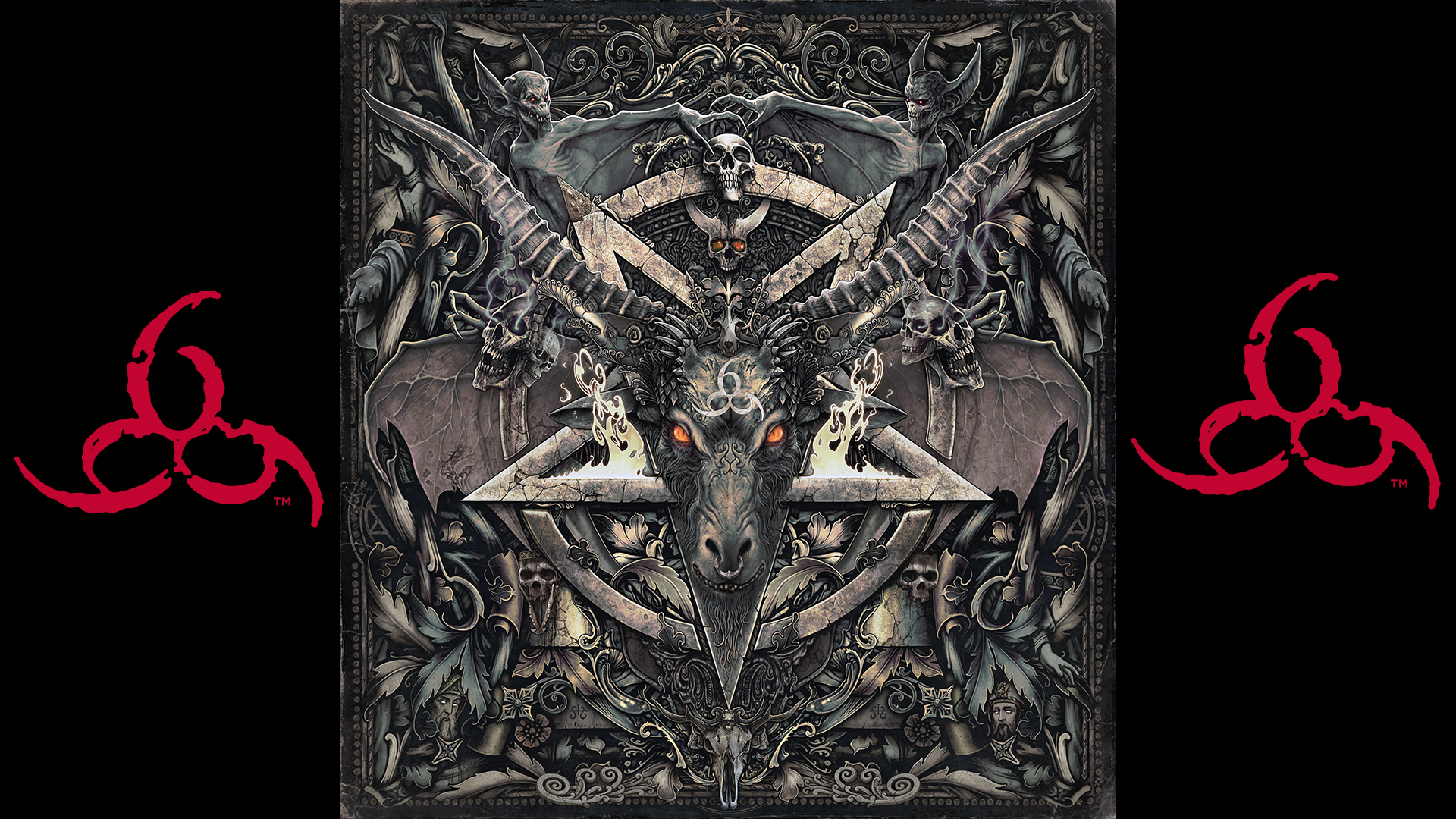
Return to the original Doom for John Romero's unofficial fifth episode.
Created by John Romero
Free modDemon combat, violence, and horror imagery.
Downloads open the creator's release file directly. Check the requirements below before installing.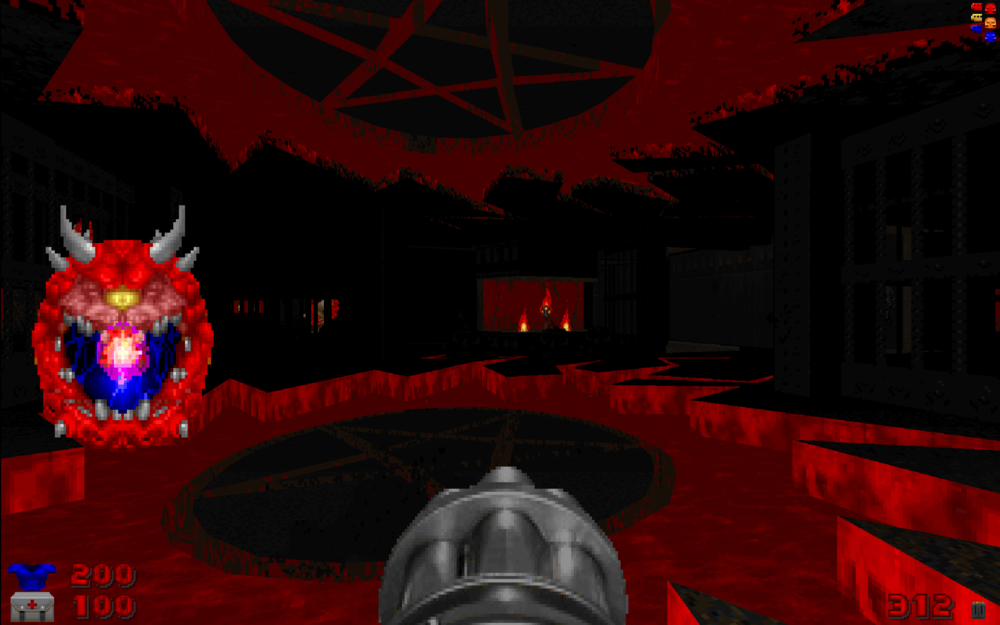
Select a thumbnail, use the arrows, or swipe to browse.
Choose one file that matches your game version and loader. These files come directly from the creator's official release host.
Doom / Doom II · Registered Doom / The Ultimate Doom / DOOM.WAD
Official release package1.23 (free MIDI edition) · 3.12 MBSIGIL is an additional episode for the original Doom, following Thy Flesh Consumed. Its nine maps combine single-player progression with deathmatch areas.
This is the free v1.23 package with MIDI music. The separately sold Buckethead soundtrack and collector extras are not included. SIGIL requires DOOM.WAD, not DOOM2.WAD.
An owned DOOM.WAD from the original registered Doom or The Ultimate Doom and a compatible source port such as GZDoom. The shareware game and Doom II IWAD are not substitutes.
Extract SIGIL_V1_23.zip. Select DOOM.WAD in your source port, then load SIGIL_V1_23.wad. Choose SIGIL in the episode menu. Use SIGIL_COMPAT_V1_23.wad only when your port needs the compatibility variant; consult the bundled readme.
Read the creator's installation guide ↗Use the current compatibility list on the official download page. Back up your saves before adding or updating mods.
The mod is free to download from its official release source. Required base games and tools are separate.
An owned DOOM.WAD from the original registered Doom or The Ultimate Doom and a compatible source port such as GZDoom. The shareware game and Doom II IWAD are not substitutes.
Yes. This page provides direct official release-file links, labeled by game version and loader. The files are served by the creator's official release host. The official project page lists additional releases.
Extract SIGIL_V1_23.zip. Select DOOM.WAD in your source port, then load SIGIL_V1_23.wad. Choose SIGIL in the episode menu. Use SIGIL_COMPAT_V1_23.wad only when your port needs the compatibility variant; consult the bundled readme.