Player community
ETQW client Launcher Community Forum
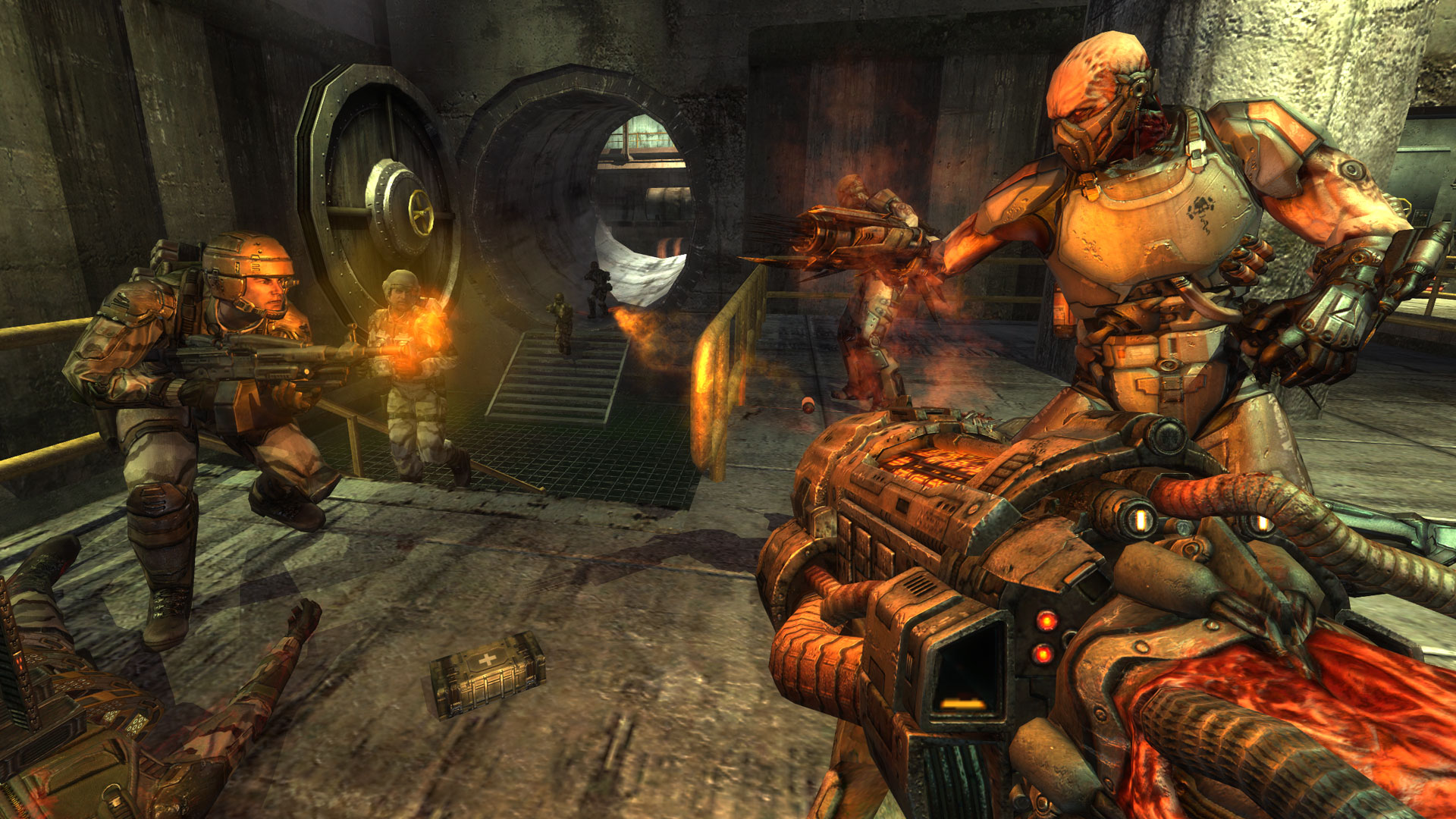
Discuss ETQW client Launcher, ask questions, exchange gameplay tips, and share player screenshots with the NeonRoof community.
What are you discovering in ETQW client Launcher?
Connect to the active Enemy Territory: Quake Wars community through the independently maintained ETQW Client Manager. Code license: ETQW.org does not publish a separate open-source license for the community Client Manager. Media/package license: Enemy Territory: Quake Wars is proprietary and governed by its limited-use EULA; no ETQW game media is licensed to NeonRoof. Attribution and distribution: ETQW Client Manager is an independent community utility described by the ETQW.org community. Enemy Territory: Quake Wars and its assets remain proprietary to their respective owners. This listing is not the game, conveys no game license, and does not imply endorsement by Splash Damage, id Software, or Activision. Independent catalog listing. NeonRoof is not affiliated with or endorsed by this project's developers. Downloads are provided by the project's official distribution source.
Share helpful gameplay strategies, installation advice, performance settings, discoveries, or an original screenshot. Keep spoilers clearly labeled and follow the NeonRoof community guidelines.
Join the discussion
Post a comment or player screenshot
Sign in to comment, ask a question, or upload an original screenshot.
Sign in to discuss ETQW client LauncherPlayer discussion
0 postsRecent ETQW client Launcher comments and media
Start the ETQW client Launcher conversation
There are no player comments yet. Ask the first question or share the first original screenshot.