Player community
Rocket League Community Forum
Discuss Rocket League, ask questions, exchange gameplay tips, and share player screenshots with the NeonRoof community.
What are you discovering in Rocket League?
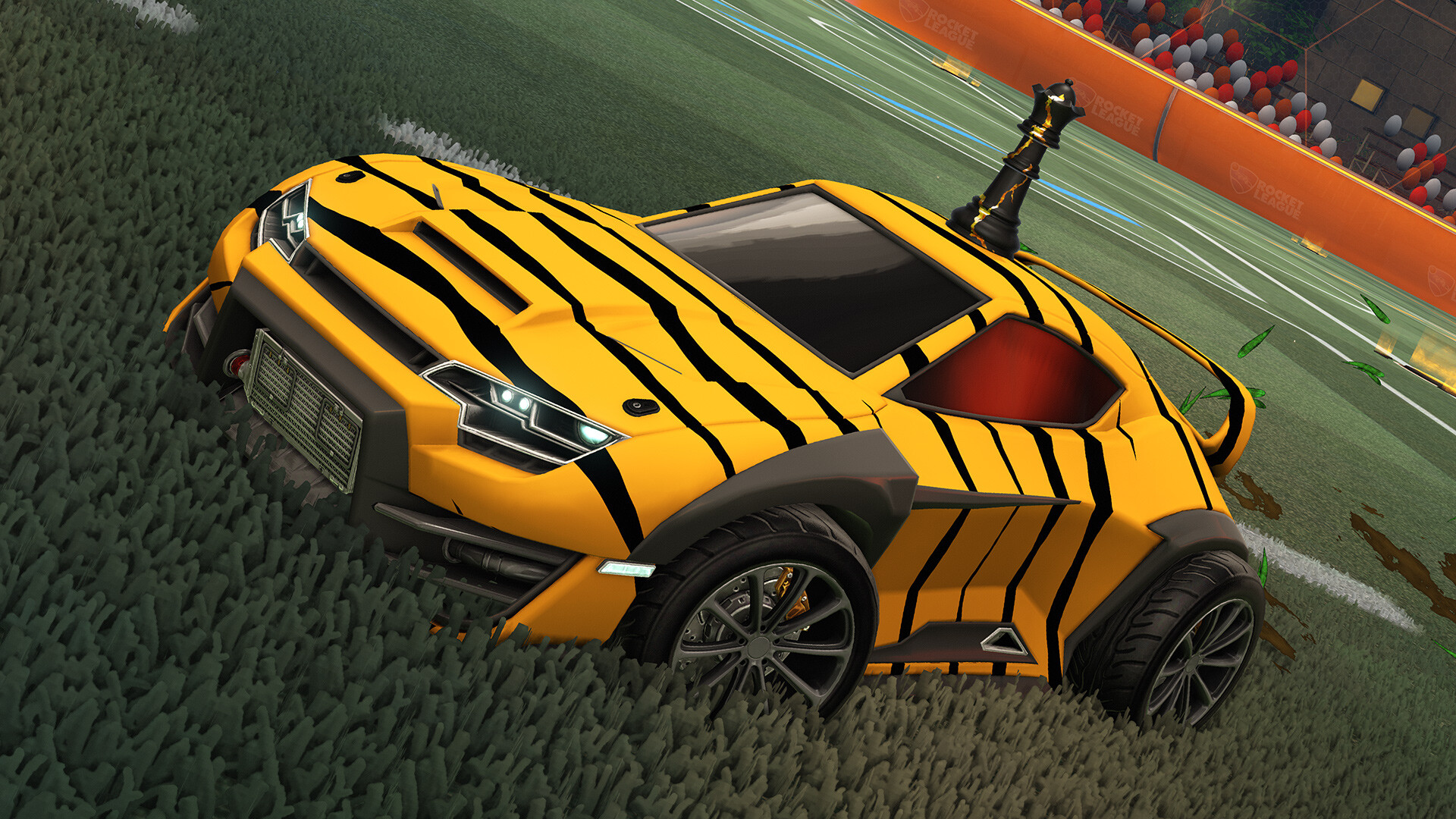
Boost, jump, and score in competitive car soccer with physics-driven matches and solo or team play. Car control, aerial play, and teamwork create room for both casual matches and serious competition. New Windows players install through the Epic Games Launcher. The historical Steam release is not the route offered here. An Epic Games account is required. How do I install Rocket League on PC? Download the official Epic Games Launcher Windows installer from NeonRoof, run setup, and sign in or create the required publisher account. Then select Rocket League in the launcher and download the full game. The installer is approximately 252.0 MiB; the full game and updates download separately. This is a Windows PC installer, not an Android APK or a browser game. In Epic Games Launcher, search for Rocket League, claim the free base game, and install it. An Epic Games account is required. The base game is free to play, with optional purchases; publisher terms and regional availability apply. Is Rocket League free? The base game is free to play. Additional packs, memberships, cosmetics, currency, or other optional content may cost money. Check the publisher’s terms before purchasing. Screenshots and video This gallery uses publisher-supplied screenshots and promotional scenes. The featured YouTube video is “Rocket League® Free To Play Cinematic Trailer” from Rocket League. Some trailers show console footage or earlier releases; features, events, and optional items may change. See the official website for current availability and requirements. Independent catalog listing. NeonRoof is not affiliated with or endorsed by this project's developers. Downloads are provided by the project's official distribution source.
Share helpful gameplay strategies, installation advice, performance settings, discoveries, or an original screenshot. Keep spoilers clearly labeled and follow the NeonRoof community guidelines.
Current Rocket League patch notes
Official installer endpoint verified 2026-10-11. Download the official Epic Games Launcher Windows installer from NeonRoof, run setup, and sign in or create the required publisher account. Then select Rocket League in the launcher and download the full game. The installer is approximately 252.0 MiB; the full game and updates download separately. This is a Windows PC installer, not an Android APK or a browser game. In Epic Games Launcher, search for Rocket League, claim the free base game, and install it. An Epic Games account is required. The base game is free to play, with optional purchases; publisher terms and regional availability apply.
View Rocket League details, screenshots, and download options on the NeonRoof indie game storeJoin the discussion
Post a comment or player screenshot
Sign in to comment, ask a question, or upload an original screenshot.
Sign in to discuss Rocket LeaguePlayer discussion
0 postsRecent Rocket League comments and media
Start the Rocket League conversation
There are no player comments yet. Ask the first question or share the first original screenshot.