Flax Engine
Install Flax Launcher for Windows and create 3D games with Flax Engine’s visual editor, C# and C++ development tools.
About Flax Engine
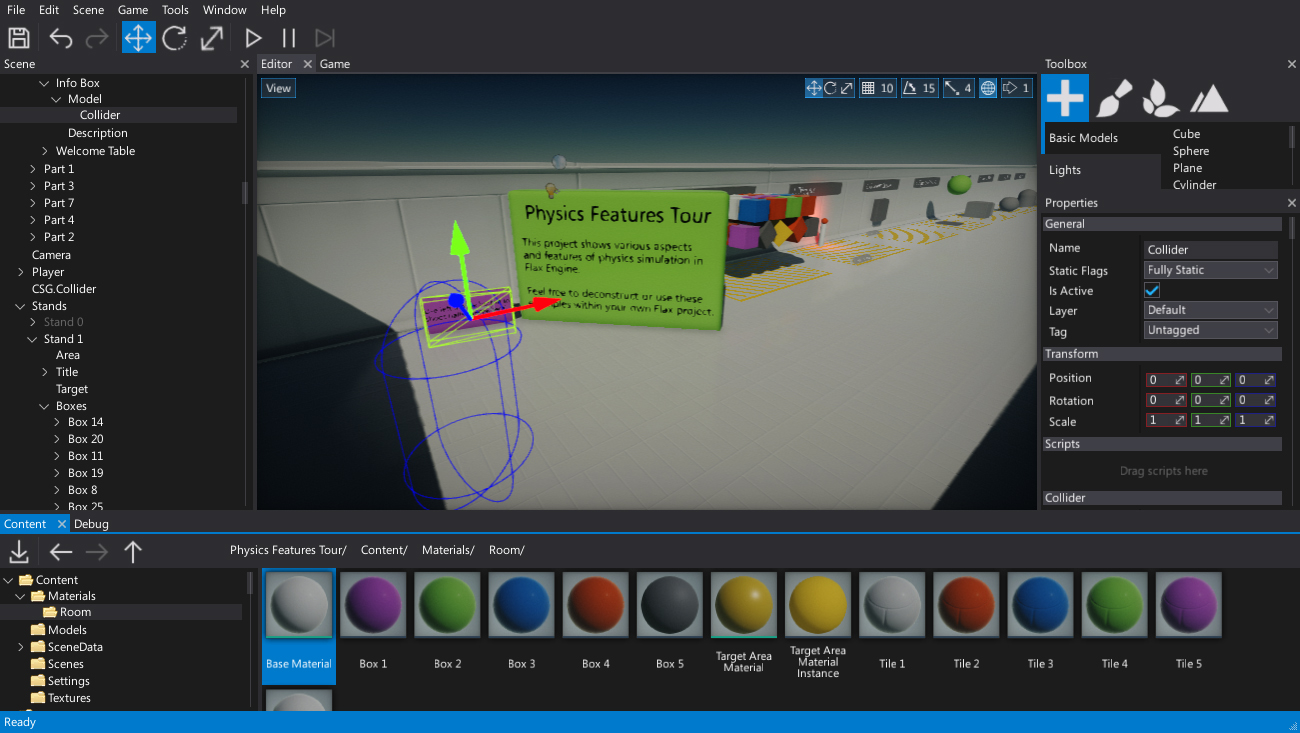
Flax Engine is a 3D game-development environment with an editor, project tools and C# and C++ workflows. The official launcher downloads and manages the engine. Samples and documentation give developers a practical starting point for evaluating a small project.
Does InstallFlax.exe contain the complete engine?
It installs Flax Launcher, which then installs and manages engine builds. This page links the official rolling launcher endpoint rather than claiming a fixed Flax Editor version.
How do I install it?
Run InstallFlax.exe and follow the launcher setup. Review the EULA, install an engine build and create or open a project. The engine is a separate download; the installer size on this page is the launcher package.
What does it cost?
Flax is available to download and evaluate under its EULA. Commercial releases can incur royalties; the public licensing page explains its current 4% model and revenue threshold. Publicly viewable source does not make Flax an unrestricted open-source engine. Official terms: https://flaxengine.com/licensing/
Download and image sources
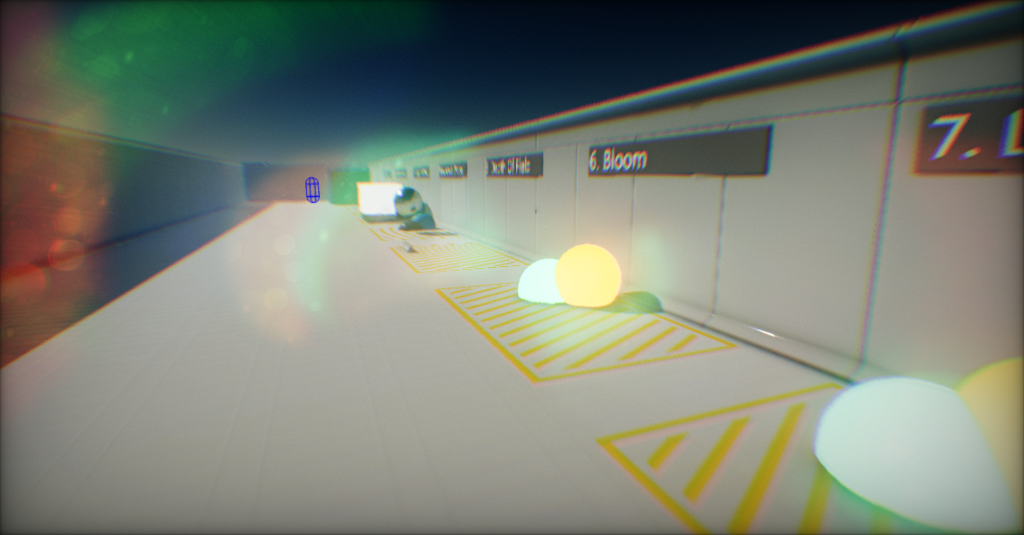
The Windows file URL and binary header were checked on October 26, 2026. NeonRoof links the publisher’s file without mirroring or executing it. Gallery media comes from the official project or documentation; historical interfaces and tutorial thumbnails are identified in their captions. NeonRoof is an independent catalog and does not grant rights to the software or sample content.
What it does
- 3D game editor
- C# and C++ development
- Project and engine management through Flax Launcher
- Official sample projects
Version Flax launcher (rolling)
Official Windows download checked October 26, 2026. File header and reported length verified; no independent signature, full-file hash or malware certification is asserted. This is a rolling launcher endpoint. The package date is the upstream installer Last-Modified timestamp, not an engine release date. The engine is installed separately; package contents and size can change.
- Released
- June 9, 2026
- Package
- EXE
- Signature
- Not checked
- Security scan
- Pending
Be the first to review
Questions and comments
Sign in to join the discussion.