
Inkscape
Create scalable SVG logos, icons, illustrations and promotional graphics with a free vector graphics editor.
About Inkscape
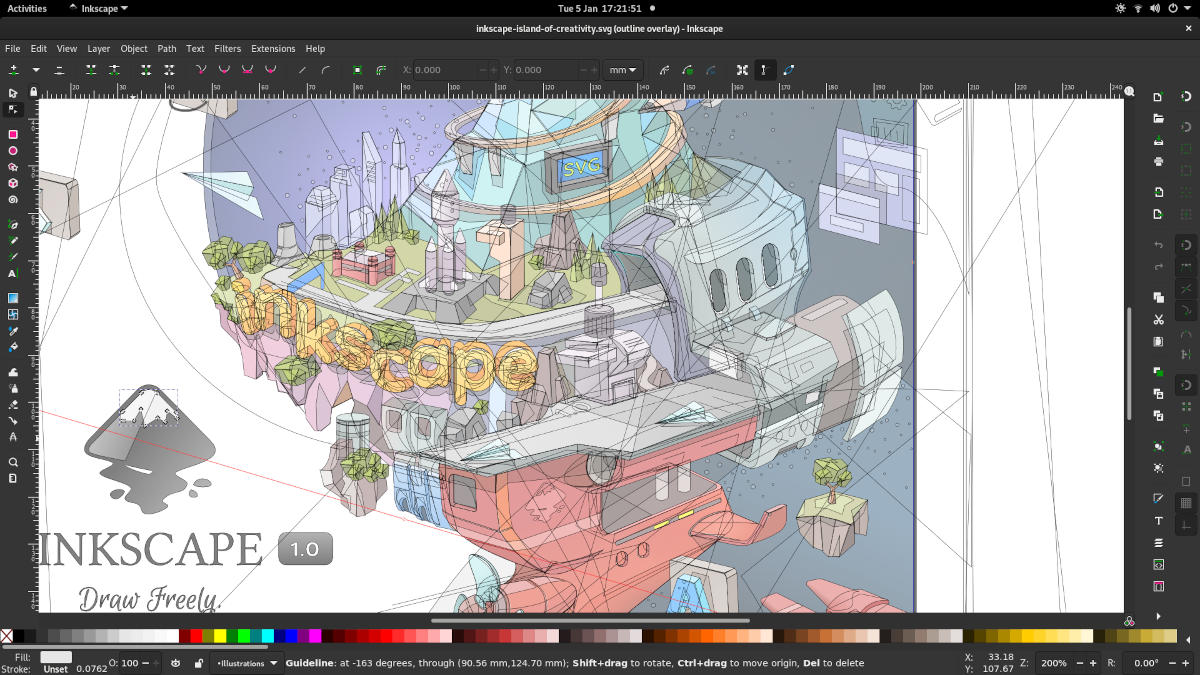
Inkscape is a free vector graphics editor built around SVG. Draw paths and shapes, edit nodes, arrange text and prepare illustrations that can scale to different sizes. It is useful for a studio logo, interface icons, a diagram or a clean press-kit graphic. Raster screenshots and vector graphics serve different purposes; retain original project files for later edits.
Is Inkscape free?
Yes. The application is available without a purchase price under its published open-source license. Download links on this page point to the official project distribution.
Which Windows download is provided?
Inkscape 1.4.4 for Windows x64. Run the official Inkscape 1.4.4 x64 MSI and follow setup. Save an SVG master, then export a separate image for a store page or social post.
How can it help an independent game or software project?
Create scalable SVG logos, icons, illustrations and promotional graphics with a free vector graphics editor. Use original assets and test a small project before making it part of a larger workflow.
Screenshots and licensing
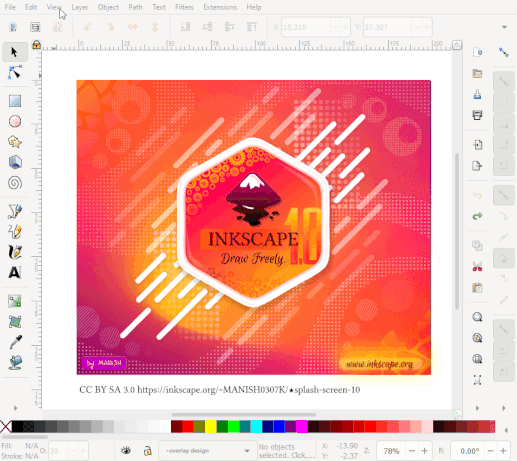
The gallery uses official project images. Older interface screenshots and showcase models are identified in their captions; they illustrate workflows rather than certify this exact release. Each image retains its source and creator credit. The software license does not grant blanket rights to every imported artwork, font, codec or plugin.
Download source checked October 25, 2026. The public URL, file header and reported file size were verified. No installer was executed or mirrored, and no NeonRoof malware certification is claimed.
What it does
- SVG vector editing
- Paths and node editing
- Text and typography
- Layers and object controls
- PNG and PDF workflows
Version 1.4.4
Official Windows x64 upstream package. Source URL, file header and size checked October 25, 2026. Upstream SHA-256 metadata: sha256:2fa033e95113ae83d6430b2479e7e63e4266d0632a5b03f99ee3db9360e3b8b8. No independent full-file hash or malware certification is claimed.
- Released
- May 6, 2026
- Package
- MSI
- Signature
- Not checked
- Security scan
- Pending
Be the first to review
Questions and comments
Sign in to join the discussion.