
OBS Studio
Record screens and produce live streams with scene composition, audio mixing, sources, filters, and plugin support.
About OBS Studio
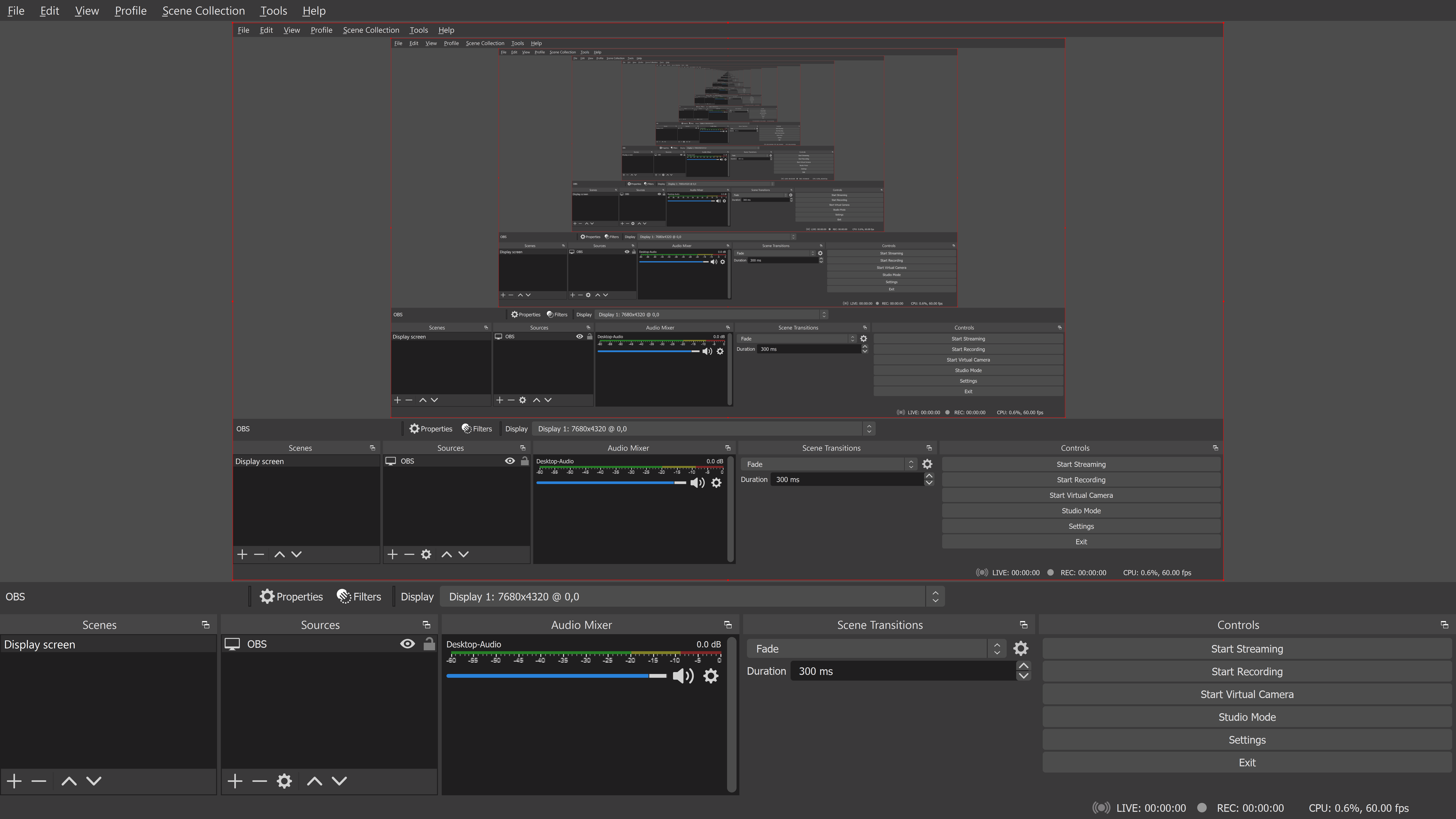
OBS Studio is free, open-source software for video recording and live production. It lets creators combine displays, applications, cameras, media, browser sources, and audio into reusable scenes, then record locally or stream to supported services.
Real-time source capture, transitions, filters, a multichannel audio mixer, studio mode, profiles, and a large plugin ecosystem make OBS useful for game streaming, tutorials, events, podcasts, and remote production. Official desktop releases support Windows, macOS, and Linux.
OBS software licensing and OBS Project trademarks are separate. NeonRoof uses a neutral cover, credits the project, and keeps its package under administrator review instead of presenting it as an official NeonRoof build.
Independent catalog listing. NeonRoof is not affiliated with or endorsed by OBS Project or the project's maintainers. The official project, creator, copyright holder, and license remain clearly credited. This catalog page may be published before a downloadable package is approved; no NeonRoof download is enabled until an administrator verifies the exact package, SHA-256 hash, malware scan, distribution rights, and applicable notices.
Rights review recorded September 8, 2026. Copyright: OBS Project contributors. Redistribution: Comply with GPL requirements and do not represent a third-party package as an official OBS Project distribution. Attribution: Retain copyright and GPL notices and clearly credit the OBS Project. Source obligations: Provide corresponding source for the exact GPL-covered binary being distributed. Branding: OBS names and logos are registered marks. This listing uses neutral artwork and makes no endorsement claim.
What it does
- Scene-based live production
- Screen
- window
- game
- camera
- and media capture
- Multichannel audio mixer
- Recording and live-stream output
- Studio mode and transitions
- Plugin and scripting ecosystem
Version 32.2.2
Current stable release identified on the official OBS Project download page.
- Released
- August 14, 2026
- Package
- EXE
- Signature
- Not checked
- Security scan
- Pending
Be the first to review
Questions and comments
Sign in to join the discussion.