neoforge
Download file ↗Minecraft Java Edition · 26.3
1.11.3-26.3 - NeoForge1.11.3 · 1.43 MB
Reduce Minecraft rendering work by skipping entities hidden behind walls.
Created by tr7zw and contributors
Free modDownloads open the creator's release file directly. Check the requirements below before installing.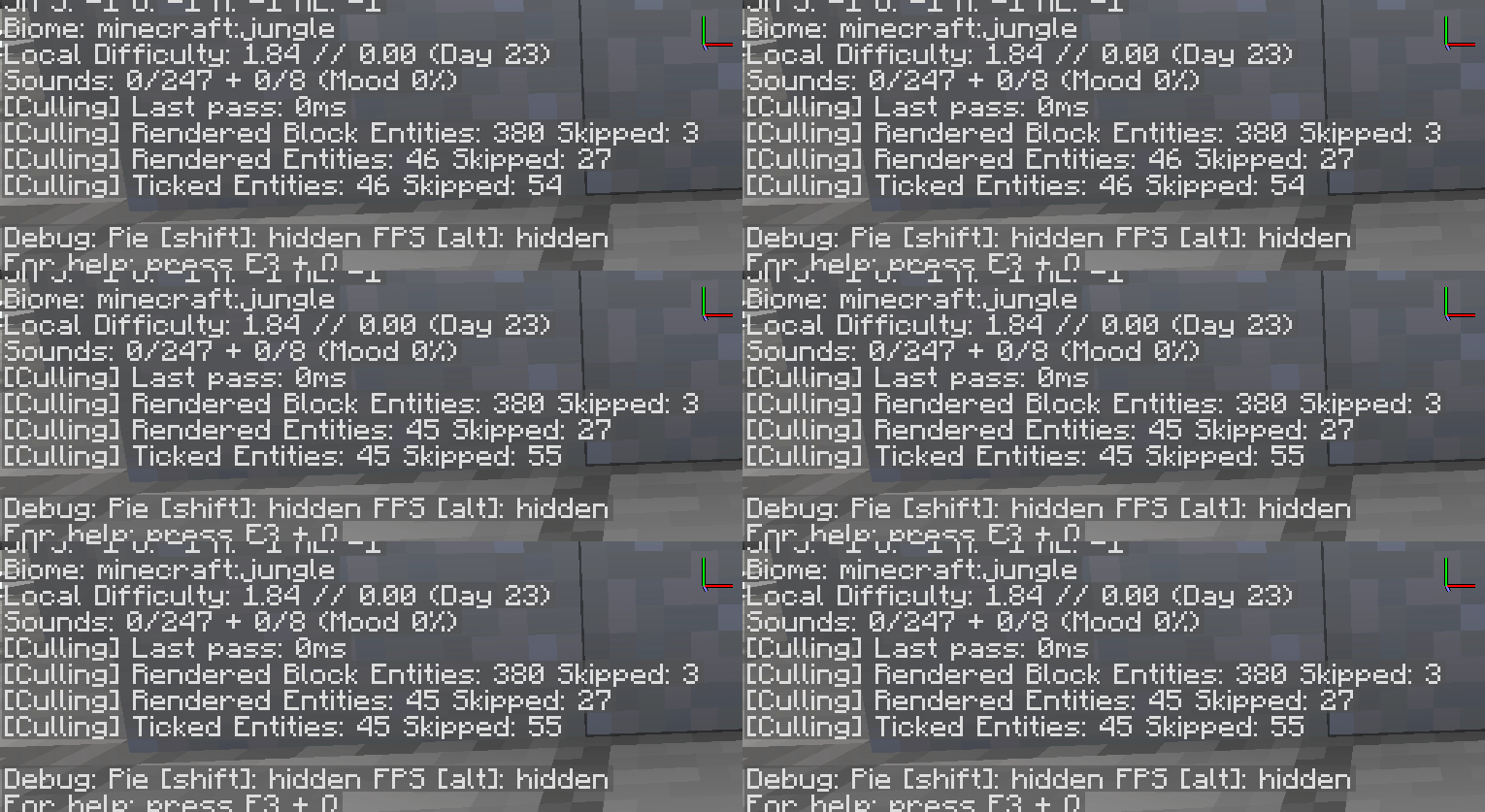
Select a thumbnail, use the arrows, or swipe to browse.
Choose one file that matches your game version and loader. These files come directly from the creator's official release host.
Minecraft Java Edition · 26.3
1.11.3-26.3 - NeoForge1.11.3 · 1.43 MBMinecraft Java Edition · 26.3
1.11.3-26.3 - Fabric1.11.3 · 1.44 MBMinecraft Java Edition · 1.21.8
1.11.3-1.21.8 - Forge1.11.3 · 1.44 MBMinecraft Java Edition · 1.20.1
1.11.3-1.20.1 - Forge1.11.3 · 1.44 MBEntity Culling checks which entities and block entities the player can actually see, then avoids rendering those hidden behind solid geometry. Its visibility calculations run asynchronously, and the current project also includes configurable client-side entity tick optimizations.
The benefit depends on the scene, hardware, and other installed mods. This is a rendering and client performance tool; it does not change server-side mob behavior or make every Minecraft setup faster by the same amount.
182,759,137 downloads recorded by Modrinth on October 15, 2026. Downloads include updates and are not unique players.
Install on the Minecraft Java client with the matching loader. Do not put this client performance mod on a dedicated server unless the chosen release explicitly supports it. Check compatibility when combining visibility or rendering mods. Required dependencies declared for the files below: neoforge / 26.3: no additional required mods declared in the release metadata. fabric / 26.3: Fabric API. forge / 1.21.8: no additional required mods declared in the release metadata. forge / 1.20.1: no additional required mods declared in the release metadata.
Use a separate Minecraft launcher profile and back up your saves. Install the loader that matches your chosen file, then install its required dependency mods for the same Minecraft version. Place the downloaded JAR in that profile's mods folder without extracting it, then launch through the modded profile. Choose one compatible build of this mod; do not install all the alternative files together. These are desktop Java Edition mods, not Android/iOS or Minecraft Bedrock add-ons.
Read the creator's installation guide ↗Use the current compatibility list on the official download page. Back up your saves before adding or updating mods.
The mod is free to download from its official release source. Required base games and tools are separate.
Install on the Minecraft Java client with the matching loader. Do not put this client performance mod on a dedicated server unless the chosen release explicitly supports it. Check compatibility when combining visibility or rendering mods. Required dependencies declared for the files below: neoforge / 26.3: no additional required mods declared in the release metadata. fabric / 26.3: Fabric API. forge / 1.21.8: no additional required mods declared in the release metadata. forge / 1.20.1: no additional required mods declared in the release metadata.
Yes. This page provides direct official release-file links, labeled by game version and loader. The files are served by the creator's official release host. The official project page lists additional releases.
Use a separate Minecraft launcher profile and back up your saves. Install the loader that matches your chosen file, then install its required dependency mods for the same Minecraft version. Place the downloaded JAR in that profile's mods folder without extracting it, then launch through the modded profile. Choose one compatible build of this mod; do not install all the alternative files together. These are desktop Java Edition mods, not Android/iOS or Minecraft Bedrock add-ons.