SKSE64
Download file ↗Skyrim Special Edition · SE / AE — check runtime requirements below
Official release installerv3.0.4 · 20.67 MB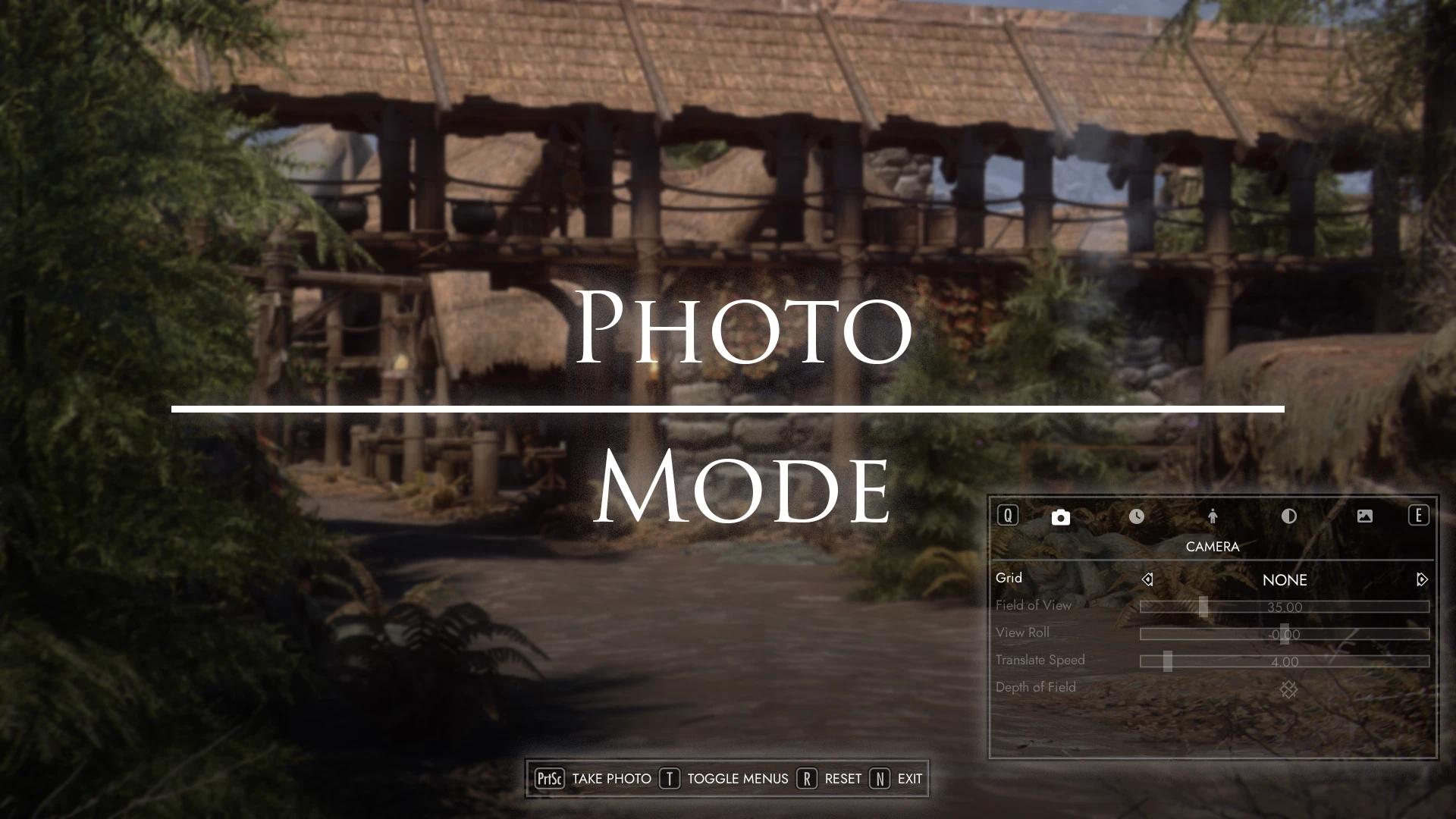
Compose Skyrim screenshots with camera, time, character, and photo-gallery controls.
Created by powerofthree
Free modDownloads open the creator's release file directly. Check the requirements below before installing.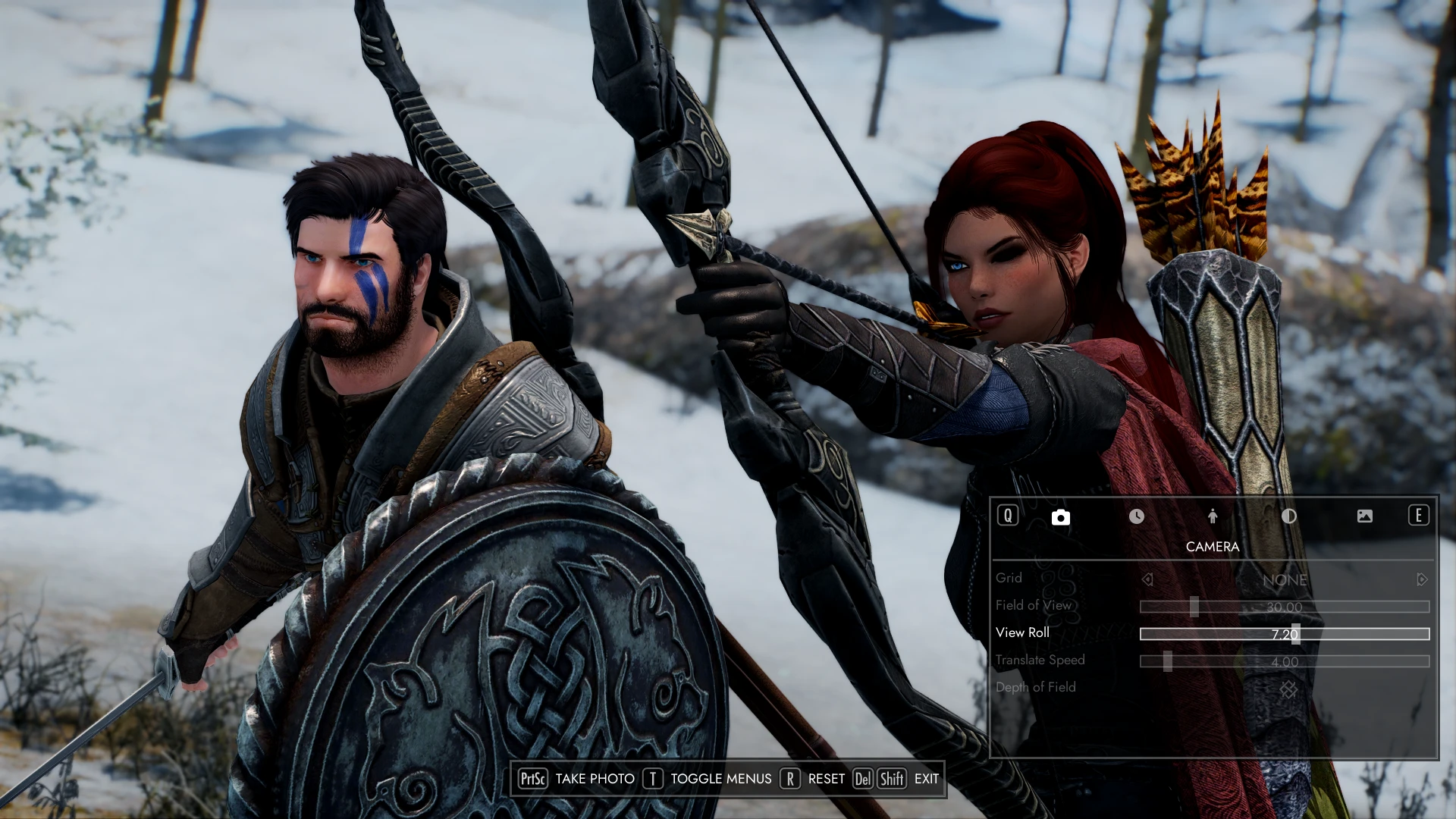
Select a thumbnail, use the arrows, or swipe to browse.
Choose one file that matches your game version and loader. These files come directly from the creator's official release host.
Skyrim Special Edition · SE / AE — check runtime requirements below
Official release installerv3.0.4 · 20.67 MBPhoto Mode adds an in-game photography interface with controls for framing, time, weather, and characters. Photo Gallery lets you browse the pictures you have captured.
The creator supports keyboard, mouse, and gamepad navigation. The featured video is an earlier community demonstration; menus and requirements can change between releases.
Skyrim Special Edition or a runtime supported by the installer; matching SKSE64, Address Library, MCM Helper, powerofthree's Tweaks, and ImGui Icons. SkyUI 6.0+ enables the gallery menu entry; Auto Input Switch is recommended for gamepads.
Install the listed dependencies, then import the official FOMOD archive into your mod manager. Select the build for your installed Skyrim runtime and launch through SKSE. Configure Photo Mode in-game after installation.
Read the creator's installation guide ↗Use the current compatibility list on the official download page. Back up your saves before adding or updating mods.
The mod is free to download from its official release source. Required base games and tools are separate.
Skyrim Special Edition or a runtime supported by the installer; matching SKSE64, Address Library, MCM Helper, powerofthree's Tweaks, and ImGui Icons. SkyUI 6.0+ enables the gallery menu entry; Auto Input Switch is recommended for gamepads.
Yes. This page provides direct official release-file links, labeled by game version and loader. The files are served by the creator's official release host. The official project page lists additional releases.
Install the listed dependencies, then import the official FOMOD archive into your mod manager. Select the build for your installed Skyrim runtime and launch through SKSE. Configure Photo Mode in-game after installation.