RenderDoc
Inspect game rendering with RenderDoc, a free graphics frame debugger for supported Direct3D, Vulkan and OpenGL applications.
About RenderDoc
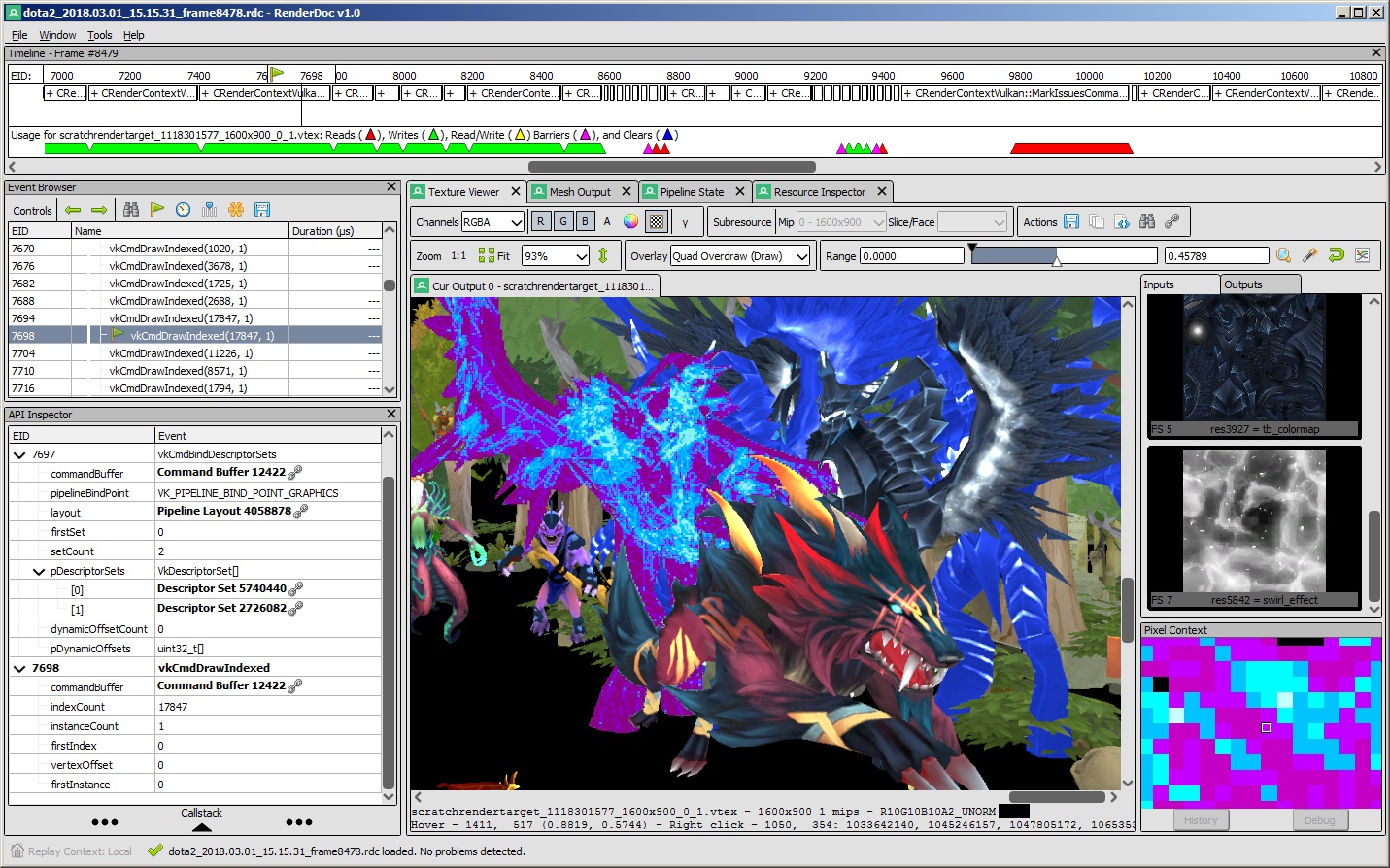
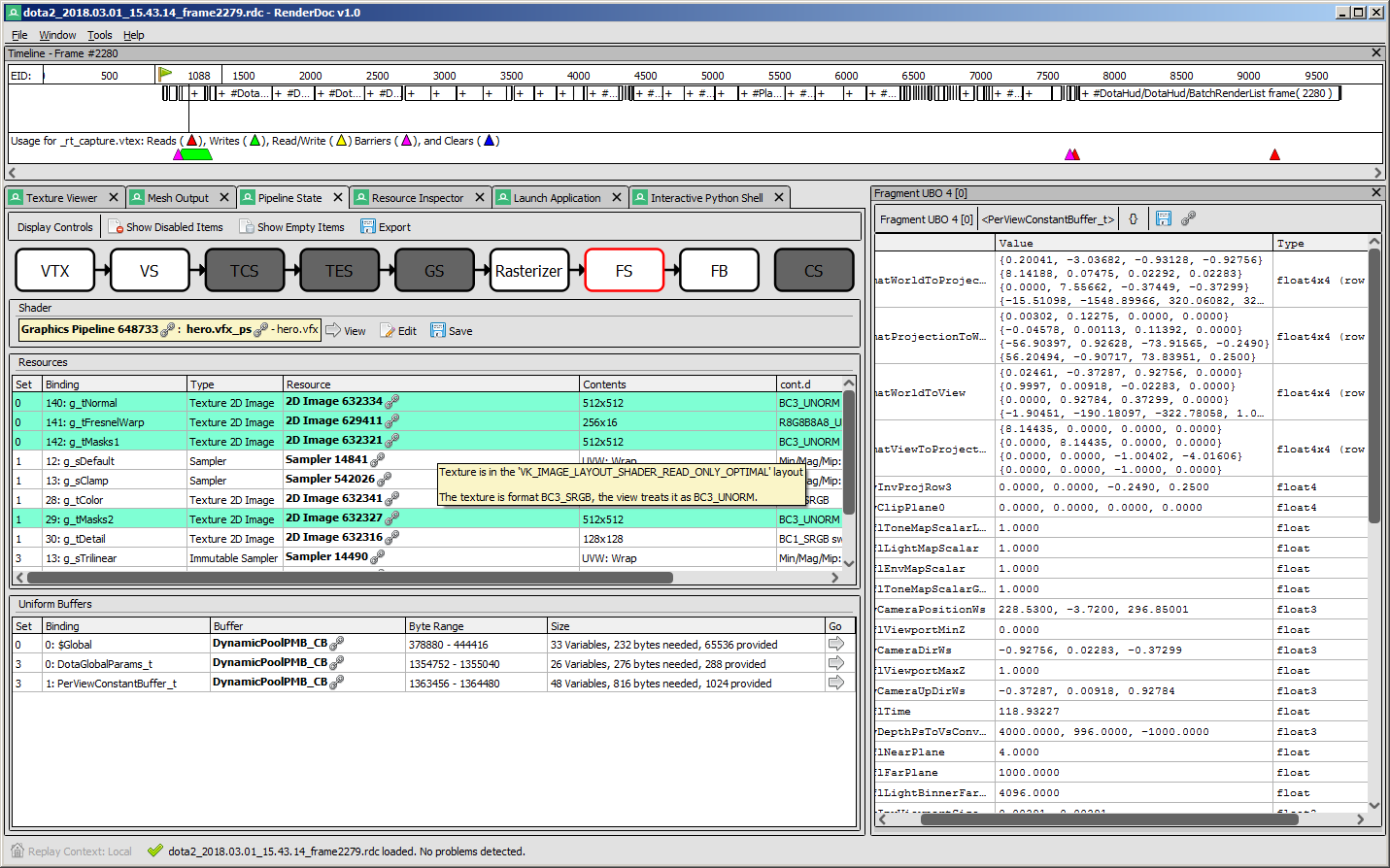
RenderDoc is a standalone graphics debugger for examining a captured frame. Inspect textures, mesh data, pipeline state and individual draw events to understand what a renderer submitted. It complements an engine editor when a visual result differs from what the developer expected.
Is RenderDoc a game engine or a game optimizer?
It is a graphics debugging tool. It helps a developer inspect rendering; it does not replace an engine or automatically optimize a game. Capture support depends on the graphics API, application and driver.
How do I install it?
Run RenderDoc_1.46_64.msi. Use the official getting-started documentation to capture a compatible application and inspect its frame. Graphics API, driver and application compatibility determine which captures and debugging features work.
What does it cost?
RenderDoc is free and open source under the project’s MIT license. This listing links the original RenderDoc project at renderdoc.org, rather than a similarly named commercial service. Official terms: https://github.com/baldurk/renderdoc
Download and image sources
The Windows file URL and binary header were checked on October 26, 2026. NeonRoof links the publisher’s file without mirroring or executing it. Gallery media comes from the official project or documentation; historical interfaces and tutorial thumbnails are identified in their captions. NeonRoof is an independent catalog and does not grant rights to the software or sample content.
What it does
- Graphics frame capture and replay
- Texture and mesh inspection
- Pipeline-state inspection
- Pixel history and shader debugging
Version 1.46
Official Windows download checked October 26, 2026. File header and reported length verified; no independent signature, full-file hash or malware certification is asserted.
- Released
- August 31, 2026
- Package
- MSI
- Signature
- Not checked
- Security scan
- Pending
Be the first to review
Questions and comments
Sign in to join the discussion.