These recommendations use the published catalog category, practical tags, and supported operating systems. Each result links to a complete NeonRoof software page with licensing, compatibility, and download information.
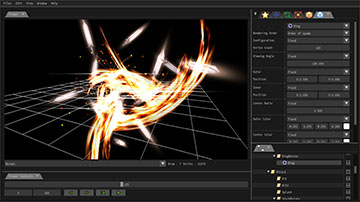
Create real-time particle effects for games with Effekseer’s visual editor and official runtime integrations for major engines.
Why it is related: both are listed under Game Development with shared focus on game development, indie developers, Windows, official download with support for Windows (linked package) and see the official project for other platforms.
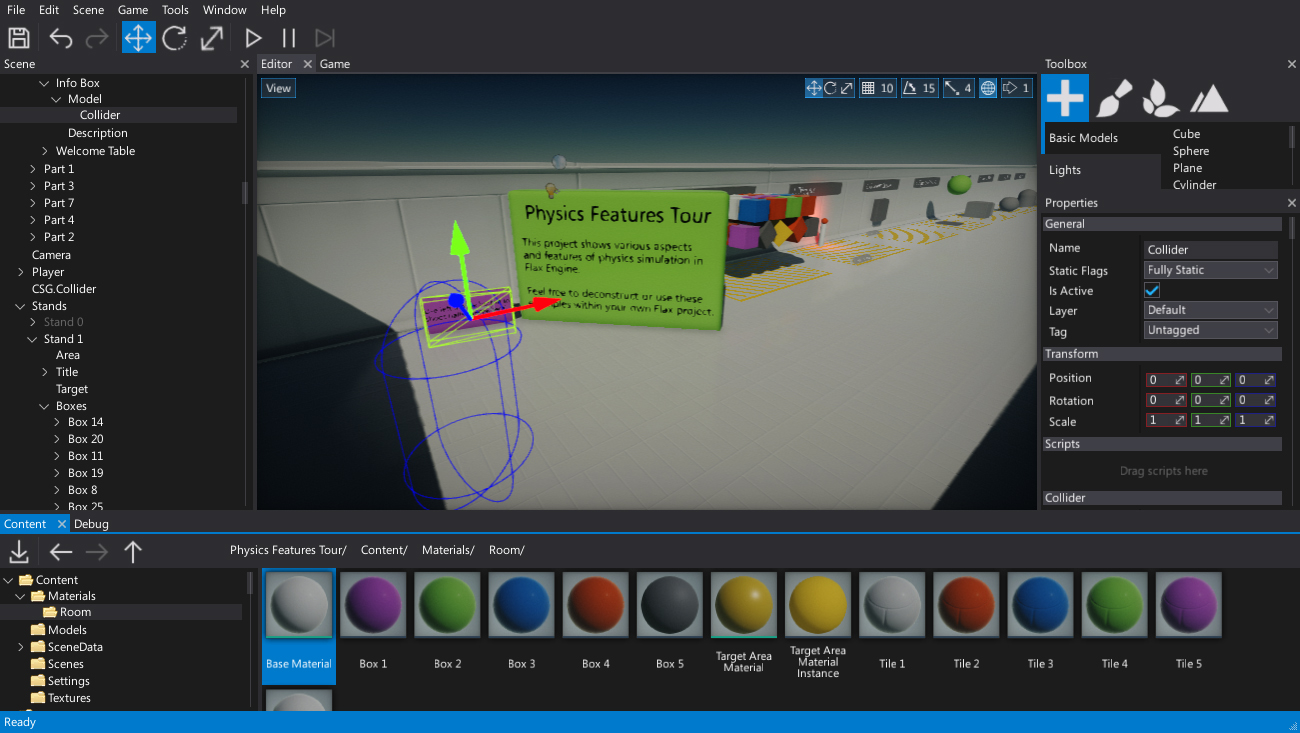
Install Flax Launcher for Windows and create 3D games with Flax Engine’s visual editor, C# and C++ development tools.
Why it is related: shared focus on game development, indie developers, Windows, official download with support for Windows (linked package) and see the official project for other platforms.
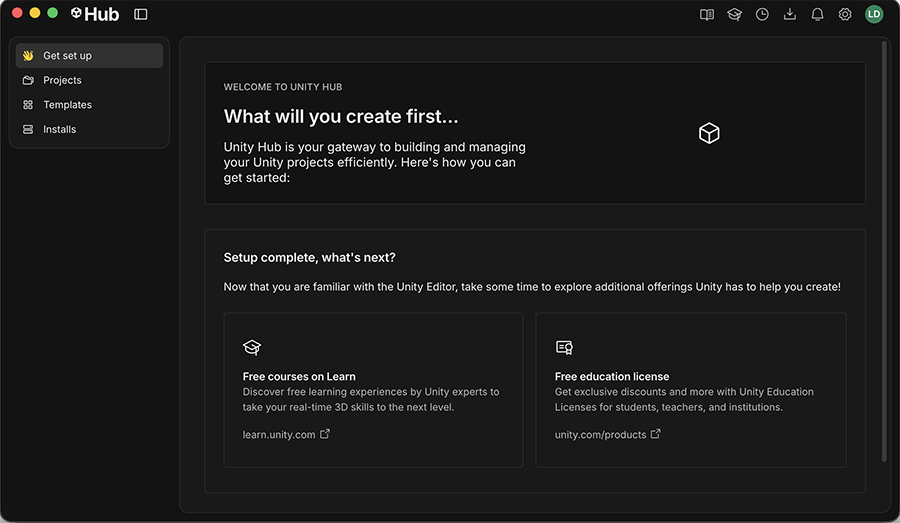
Download Unity Hub for Windows to install Unity Editor, manage engine versions and start 2D or 3D game projects.
Why it is related: shared focus on game development, indie developers, Windows, official download with support for Windows (linked package) and see the official project for other platforms.
Get Epic’s official Windows launcher installer, then install Unreal Engine for 3D game development, Blueprints and C++ workflows.
Why it is related: shared focus on game development, indie developers, Windows, official download with support for Windows (linked package) and see the official project for other platforms.