Join players and independent developers in the NeonRoof Discord community to discuss these games, publishing, and practical game-development work.
How can you play Enemy Territory: Quake Wars today?
Start by separating the original game from the tools that help a community find and launch it. Enemy Territory: Quake Wars on NeonRoof is an independent catalog listing for the ETQW client Launcher, with screenshots, a gameplay video, and a route to the community. The ETQW community site is the place to check its current client instructions and server information. NeonRoof is not the original game's publisher and a client manager does not itself grant a license to the retail game.
Check the official source before downloading
Splash Damage's official ETQW page describes the 2065 GDF-versus-Strogg setting, five classes, objective-based battles, and play with bots. It lists Windows and Linux demo clients, retail server files, updates, and an older macOS update. A demo, patch, or server file is not necessarily the full retail game; read each label and the current community instructions before installing anything.
The original page lists Windows, Linux, and Mac OS X among its historical platforms. That is not a promise that every present-day client, update, or launcher works on your current operating system. In particular, the NeonRoof Windows platform is optional for a direct download, but it is not a Linux or Mac application. Check the build you intend to use, its system requirements, and the community's current compatibility notes.
A sensible route from listing to game
- Visit the NeonRoof ETQW listing for the media, description, support, and community links.
- Follow ETQW.org for the current community-client instructions rather than assuming a years-old installer is the right one.
- Compare any game files with the labels on Splash Damage's official download page. Do not mistake a demo, update, or server package for the complete retail game.
- If you use NeonRoof on Windows, the platform can help organize library installs and updates. If you prefer a direct download, use the available package link and check operating-system compatibility yourself.
For a broader look at why this team-based shooter remains interesting, read our earlier ETQW objective-shooter editorial. If you make multiplayer games, our companion article explores ETQW's objective-design lessons for indie developers.
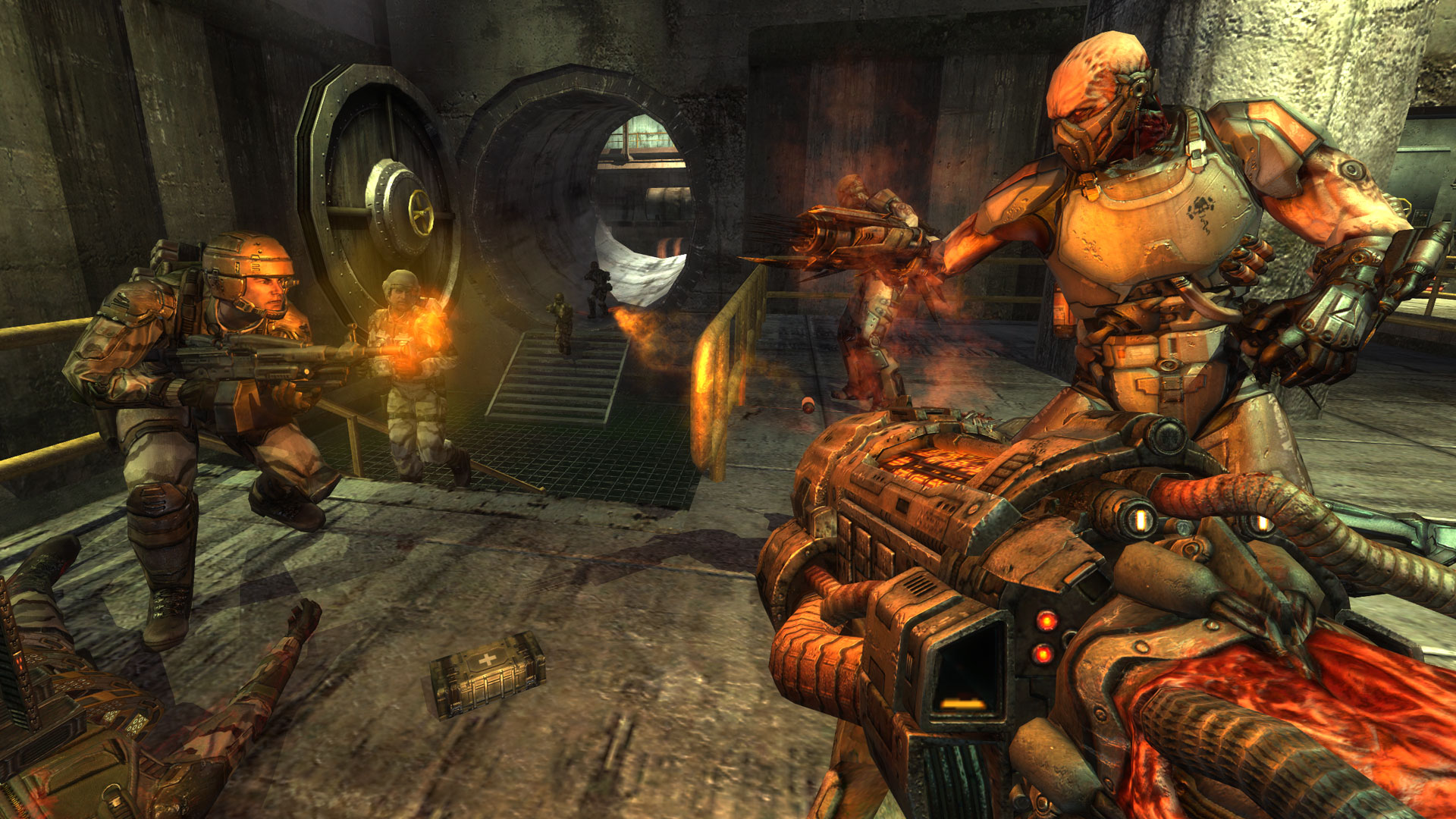
Media: official gameplay imagery by Splash Damage, shown for editorial identification. Rights remain with their respective owners; no endorsement or affiliation is implied.
For the full illustrated directory, visit every free FPS listing on NeonRoof.
No comments yet. Start the conversation with a useful, on-topic response.