NeonRoof gives indie developers a practical starting point: free game-development software, a growing library of licensed assets, public wishlist pages and a route to publishing the finished game. You can start with a small playable idea, find the tools and artwork to demonstrate it, and give interested players a page to follow before release.
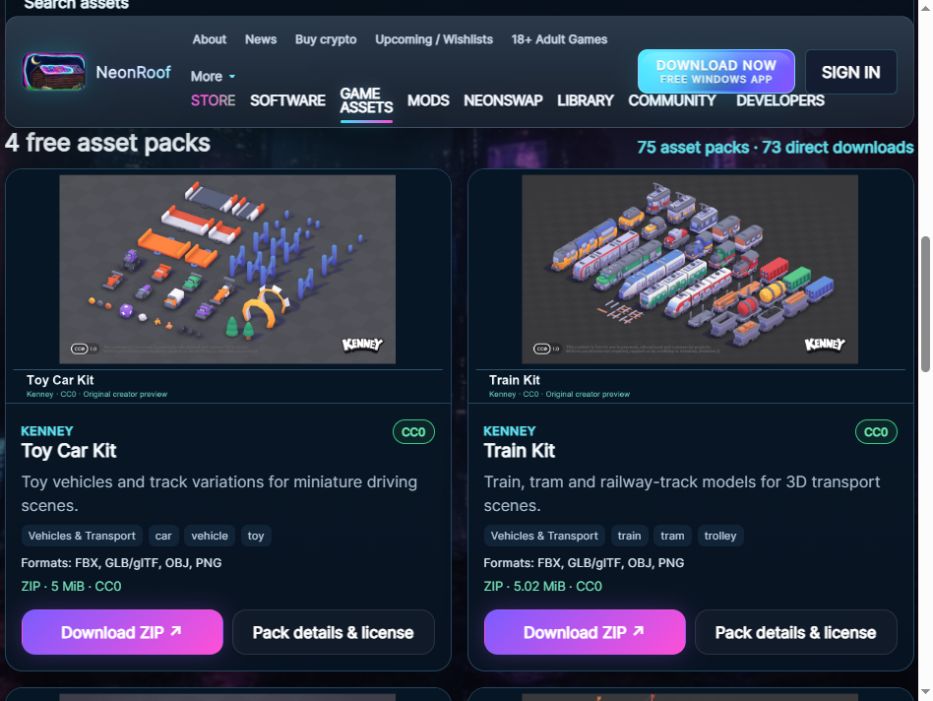
The asset library currently has 75 CC0 packs, with 73 direct-download listings, checked on October 27, 2026. The dedicated game-development directory brings together 35 tools. Those are useful numbers because they cover different production jobs, not because a developer needs to download everything.
Browse free game assets · Explore game-development software · Create your game’s wishlist page
Choose a small project before choosing a large toolkit
A first milestone should be something another person can understand and play. For a dungeon game, that might be one room, a moving character, one interaction and a clear exit. For a driving game, it might be one vehicle and a short track. Finishing that slice gives you something concrete to test, photograph and explain.
NeonRoof’s advantage is the connection between those steps. The software directory helps you choose a production workflow. Asset pages show original previews, formats, licenses and download options. The developer hub provides the next step when the prototype is ready for players.
Build a useful software stack
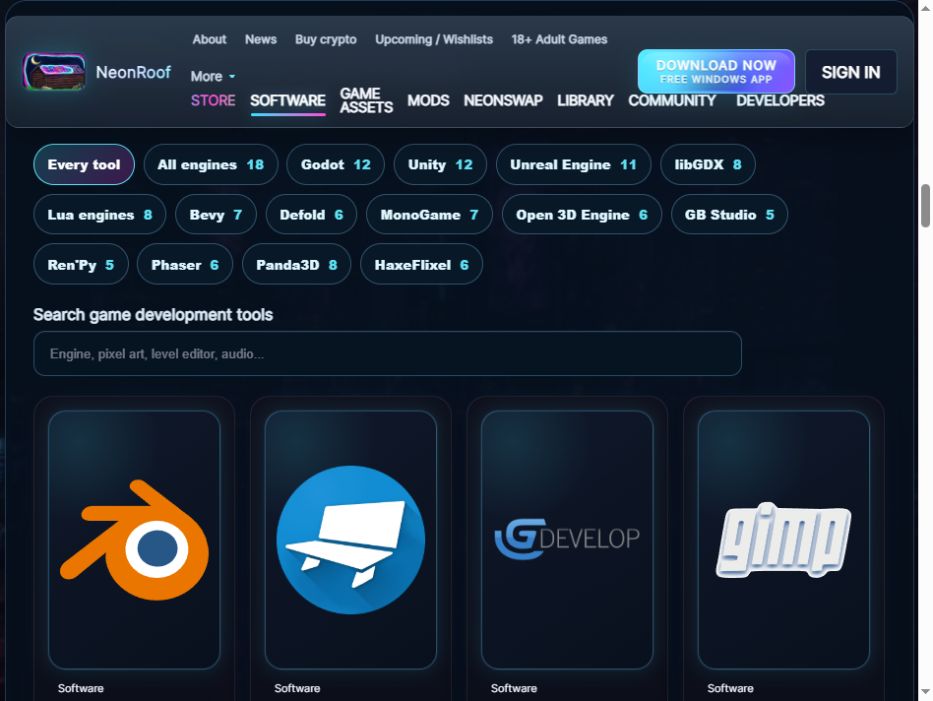
Start with one engine or framework that suits your skills. Godot Engine offers an integrated scene and scripting workflow. GDevelop is another option for developers who prefer visual logic. C# developers can explore MonoGame, while the directory also includes other languages and production approaches.
Add tools when they solve a specific job. Use Blender for 3D work, Pixelorama for pixel art, GIMP or Krita for raster artwork, and Tiled or LDtk for compatible 2D level workflows.
The wider software catalog adds Audacity for audio editing, OBS Studio for gameplay capture and Kdenlive for assembling a trailer. You can also explore the ArtCraft creative and office guide for design and studio-planning options.
The complete software workflow guide covers more choices, including Unity, Unreal Engine and Flax. Their licensing and paid-service conditions differ, so a free launcher or editor download should not be treated as a universal promise of royalty-free commercial use.
Pick assets that belong in the same game
A coordinated art set usually helps a prototype more than a collection of unrelated downloads. Choose a consistent scale, palette and point of view. Check the source previews before committing time to importing a large pack.
| Prototype | Packs to explore | What you still build |
|---|---|---|
| Top-down dungeon or RPG | Tiny Dungeon, Tiny Town, Input Prompts | Movement, interaction, collision and game rules |
| Toy-scale driving game | Toy Car Kit, Car Kit | Vehicle physics, steering, camera and scoring |
| 3D fantasy scene | Fantasy Town Kit, Modular Dungeon Kit | Scene assembly, lighting, navigation and interactions |
| Space-station prototype | Space Station Kit, UI Pack Sci-Fi | Gameplay systems, interface behavior and level logic |
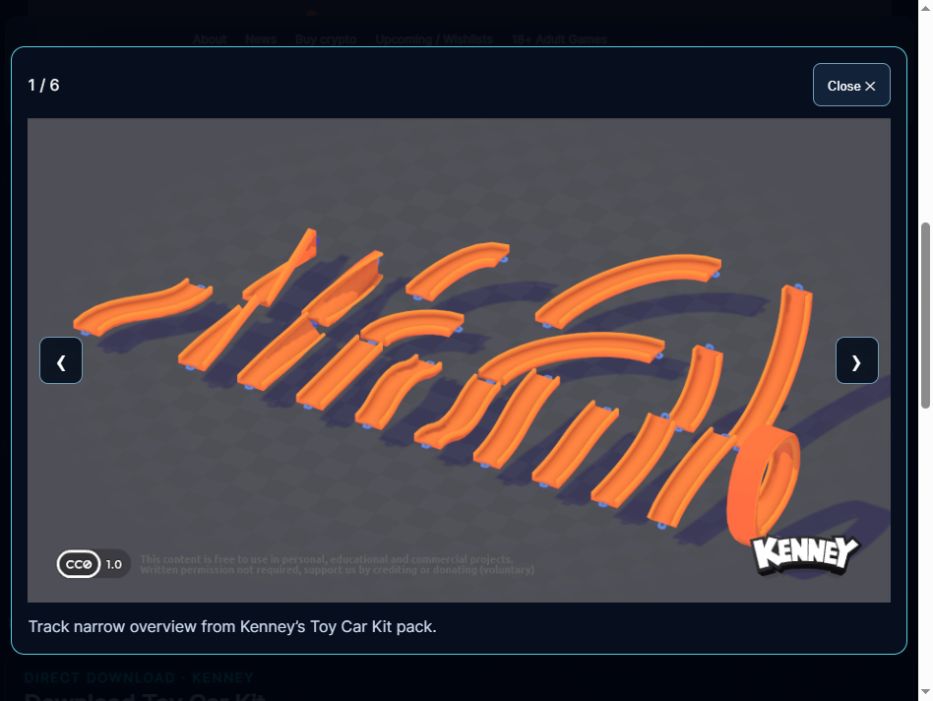
These are artwork choices, not complete game templates. A car model does not include a driving system, and a dungeon tileset does not decide how enemies behave. That separation is useful: you can spend your first production time on the mechanic that makes the game yours.
NeonRoof’s pack pages keep the practical details close to the artwork. Look at the file formats, preview scenes and license notes, then use the direct file button where available. Some downloads are original creator-hosted ZIPs. Selected Poly Haven assets have complete NeonRoof bundles with their required companion files, while the HDRI listing uses the original direct HDR file. The two remaining selection-page links are labeled clearly.
Import one complete example before expanding the project
Try one model or one tile map in the engine first. Confirm its scale, materials and orientation. For pixel art, check filtering and display size. For a glTF package, extract the entire archive so the binary buffer and textures remain together.
Keep an editable project and the asset license records. The current collection is marked CC0, which permits commercial use and modification without required attribution. Software, plugins and other content have their own terms; the asset’s license does not replace those agreements. Crediting the original creators is still a useful way to support the people making free resources available.
The catalog order changes on a fresh visit, giving every pack a chance to appear near the top. Category, engine, search and direct-download controls help you narrow the collection when you already know what you need. The order remains steady while you browse.
Turn a working prototype into a project people can follow
Once you can show a clear interaction, capture real gameplay. Give the game a short description, original cover and banner art, screenshots and an honest release window. A trailer helps when available, but the wishlist publishing path does not require a finished binary, identity review or Stripe payout setup for the campaign itself.
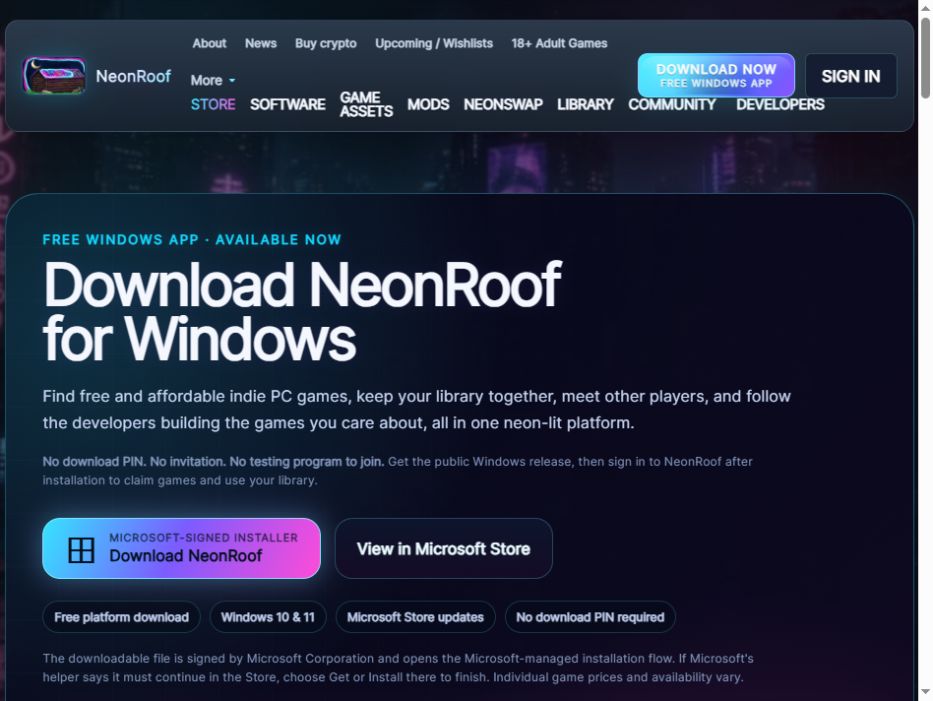
The NeonRoof Windows application connects players to the published catalog and supported library, installation and launching workflows. Developers can begin their public presence through the website. The developer hub explains the requirements for a finished release and paid sales when the project reaches that stage.
Our companion guide, From Wishlist to Release, explains how wishlist pages, developer identity, publishing help and the 10% platform fee fit together.
Quick answers for indie developers
Where can I find free game assets with direct downloads?
Start with NeonRoof’s asset directory and select “Direct downloads only.” At this article’s publication, 73 of its 75 packs have a direct file option, with the format, size and license identified on the pack page.
Can I use these asset packs in a paid game?
The current collection is identified as CC0, allowing commercial use and modification without required attribution. Keep the original license and check any separate software, trademark or third-party content conditions relevant to your project.
Do the assets work with every engine?
Common file formats can support many workflows, but importers, shaders, animation and scale settings vary. The engine filters describe workflow suitability; they do not promise that every file imports without adjustment.
Do I need to install every tool in the directory?
No. Start with an engine, the art and level tools your project needs, and a way to capture gameplay. Add other applications when a specific production task calls for them.
What should I do after the prototype is presentable?
Prepare accurate game information and real media, then start a wishlist campaign. Read the wishlist checklist and the release and sales guide for the next steps.
Keep building with NeonRoof
- Browse the complete game-development toolkit.
- Find free assets, previews and download details.
- Plan your toolchain from prototype to players.
- Explore NeonRoof’s developer publishing services.
This NeonRoof guide describes our own catalog and publishing services. Counts and workflows were checked October 27, 2026. Images are real NeonRoof page captures; the Toy Car Kit artwork is supplied by Kenney. No AI-generated art or invented play-test experience is used.
No comments yet. Start the conversation with a useful, on-topic response.