You can take an indie game from a small prototype to a public wishlist page without buying a large software suite. NeonRoof’s game-development collection currently contains 35 engine, art, level, audio and debugging tools. Its wider software catalog adds useful production helpers. The important decision is which tools let you finish a coherent slice of your game, then show it clearly to the people who might play it.
A free download is a starting point, not a complete production plan. Some engines have commercial-license conditions, an editor can require a separate runtime, and an attractive screenshot does not prove that an import/export workflow will suit your project. Choose a small stack, save the original project files and test a complete round trip before adding more tools.
Browse NeonRoof’s game-development toolkit·Create an indie game wishlist page
Start with the game you can demonstrate
An effective prototype answers a concrete question. Is moving around enjoyable? Does the combat decision make sense? Can someone understand the puzzle? A few minutes of clear play can teach you more than a folder full of unrelated engine experiments.
For a 2D project, that might mean choosing one engine, a sprite editor, a map tool and an audio editor. For a 3D project, it might mean one engine, Blender, a texture workflow and a reliable way to capture gameplay. Keep the first milestone small enough to finish, record and explain.
The directory below covers every entry in NeonRoof’s current 35-tool game-development collection, followed by relevant creative and studio helpers. It is organized by the job each tool can do. You do not need to install everything.
Choose an engine or framework
An integrated editor can make it easier to inspect a scene and iterate on a level. A framework can give an experienced programmer more control over the application structure. The useful comparison is the kind of game, programming language and deployment workflow you can sustain.
- Godot Engine — An integrated engine and editor for 2D and 3D projects.
- GDevelop — Event-based game creation for developers who prefer visual logic.
- Defold — An editor and Lua-based workflow for making games.
- Stride Game Engine — A C# game engine with a visual editor.
- Open 3D Engine — An open-source engine for substantial 3D production workflows.
- Bevy Engine — A code-first game framework for Rust developers.
- GB Studio — A visual starting point for Game Boy-style projects.
- Ren'Py — A visual-novel engine for dialogue, images and branching stories.
- LÖVE — A Lua framework for developers building 2D games in code.
- Solar2D — A Lua-based 2D game-development framework.
- MonoGame — A C# framework for building a custom game pipeline.
- libGDX — A Java framework for cross-platform game development.
- HaxeFlixel — A Haxe-based framework focused on 2D games.
- Panda3D — A 3D framework with Python and C++ development paths.
- Phaser — A framework for making browser-based games.
Some visual editors and online services offer paid extras alongside their free desktop workflows. Check the linked project’s current terms, export options and platform support rather than assuming every service is included.
Unity, Unreal Engine and Flax: free to begin, with license conditions
- Unity Hub installs and manages Unity Editor versions. The Hub download is free; Unity Personal has eligibility limits, and other plans have separate terms. The linked Windows file installs the Hub, not the editor.
- Unreal Engine uses Epic Games Launcher for its normal installation flow. The launcher download is free. Engine use is governed by Epic’s license, including applicable royalty or seat requirements.
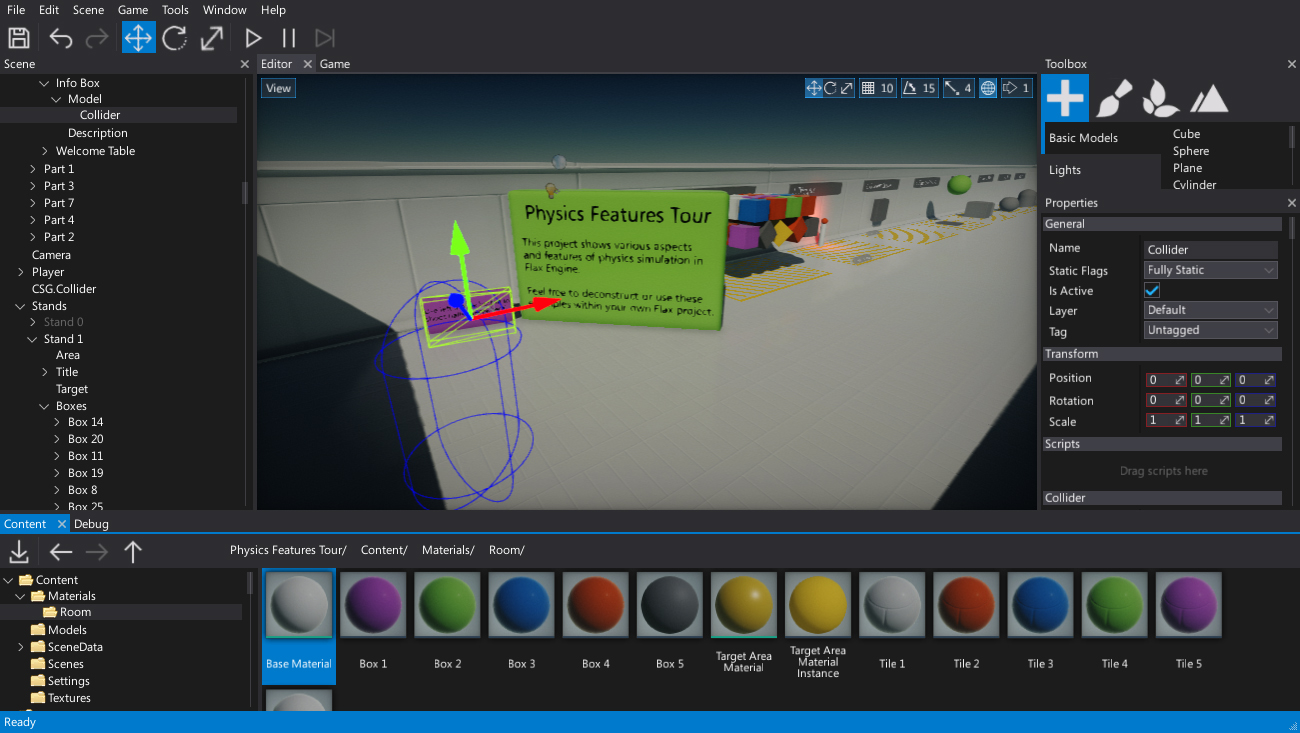
- Flax Engine starts with Flax Launcher, then downloads an editor build. Review Flax’s commercial royalty terms before committing a release to it.
These are proprietary engine licenses, even where source access is available. Compare the current Unity Personal eligibility, Unreal Engine licensing and Flax licensing with your project’s circumstances.
Build a world, a level or a branching story
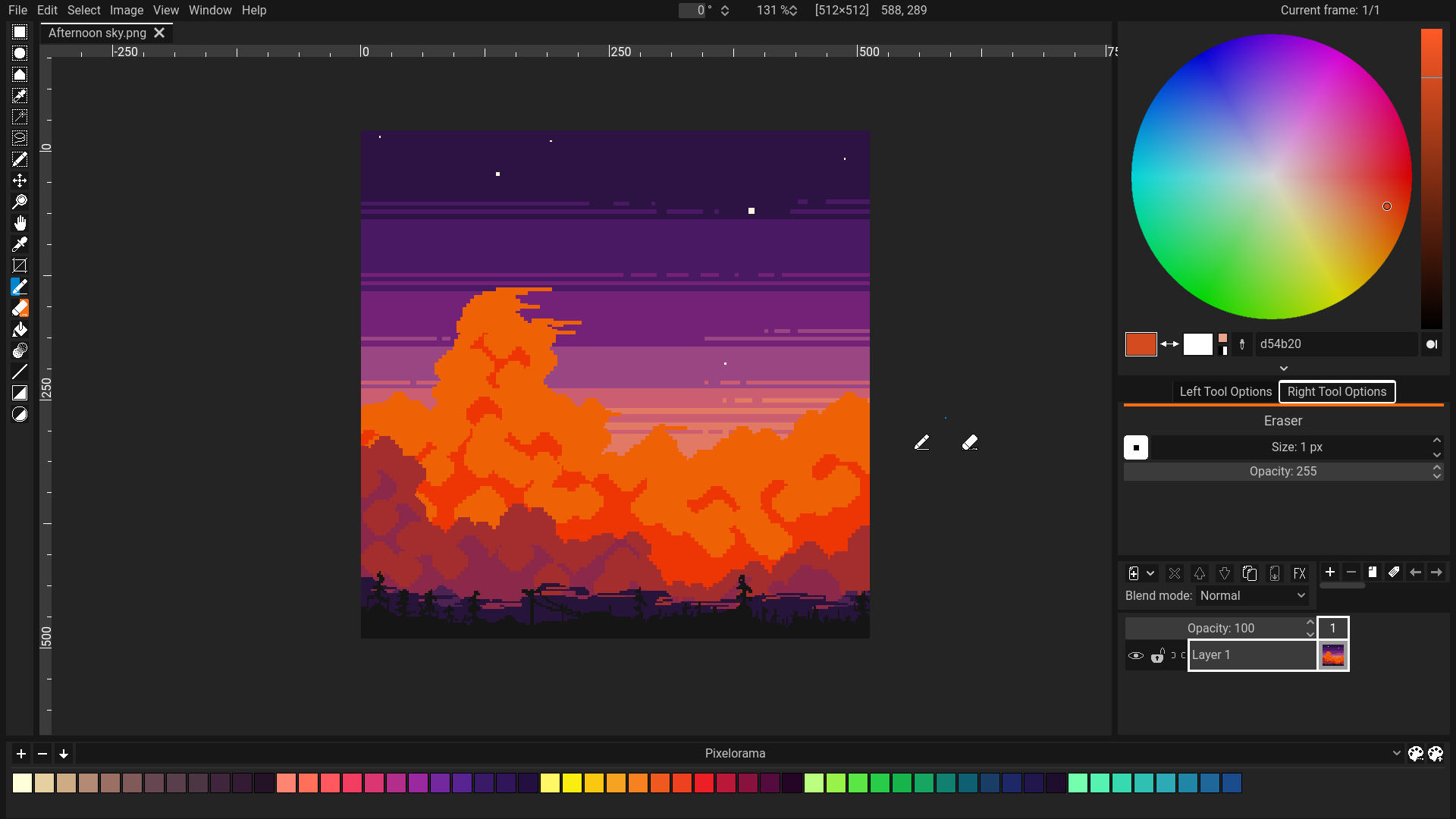
A level editor should fit the way your game reads data. Test a tiny room, one collision shape and one entity before drawing a whole world. Narrative tools have the same principle: verify that a short branching passage runs in the game before writing the complete script.
- Tiled Map Editor — Design tile-based maps and export data for a compatible pipeline.
- LDtk — Build 2D levels around structured project and entity data.
- TrenchBroom — Create brush-based 3D levels for supported engines and game formats.
- Twine — Prototype branching interactive stories.
- Inky — Write and test ink narrative scripts for an appropriate runtime integration.
Make readable art before making more art
Strong game art is not simply a question of resolution. A player needs to distinguish the character, the threat, the interactive object and the background. Build a small asset set that communicates those differences, then check it inside the game at its actual display size.
- Pixelorama — Draw sprites, tiles and frame-by-frame pixel animation.
- LibreSprite — Work on pixel-art sprites and animation.
- GIMP — Edit raster images, textures and promotional artwork.
- Krita — Paint concepts, illustrations and texture ideas.
- Inkscape — Create SVG logos, icons and vector interface graphics.
- ImageMagick — Automate image conversion and repetitive asset-processing tasks.
- Pencil2D Animation — Explore hand-drawn 2D animation.
- Synfig Studio — Build 2D animation with layers, parameters and tweening.
Add 3D assets, materials and effects deliberately

Get a simple model into the game before creating a complicated one. Check scale, orientation, materials and animation playback in the chosen engine. When a rendering problem appears, an inspection tool can help explain the frame; it does not replace testing on the hardware you plan to support.
- Blender — Model, sculpt, rig, animate and prepare 3D assets.
- Blockbench — Create low-poly models, textures and animation.
- Material Maker — Author procedural materials and export maps for a compatible shader workflow.
- Effekseer — Create particle effects and select an engine-compatible runtime or plugin.
- RenderDoc — Inspect captured graphics frames, textures, meshes and pipeline state.
Export formats, shader conventions and plugin versions vary. The fact that two applications appear in the same toolkit does not make every project file interchangeable. Keep an editable source and a tested export.
Give the prototype sound and a clear presentation
Small audio decisions can explain an action or make a mechanic easier to read. Work with a few useful effects before adding a large library. Record your own material or use assets with suitable permissions, and keep the original license information with the project.
- Audacity — Record and edit sound effects, dialogue and audio files.
- LMMS — Arrange music with a software music-production workflow.
- FamiStudio — Compose music with an NES-oriented workflow.
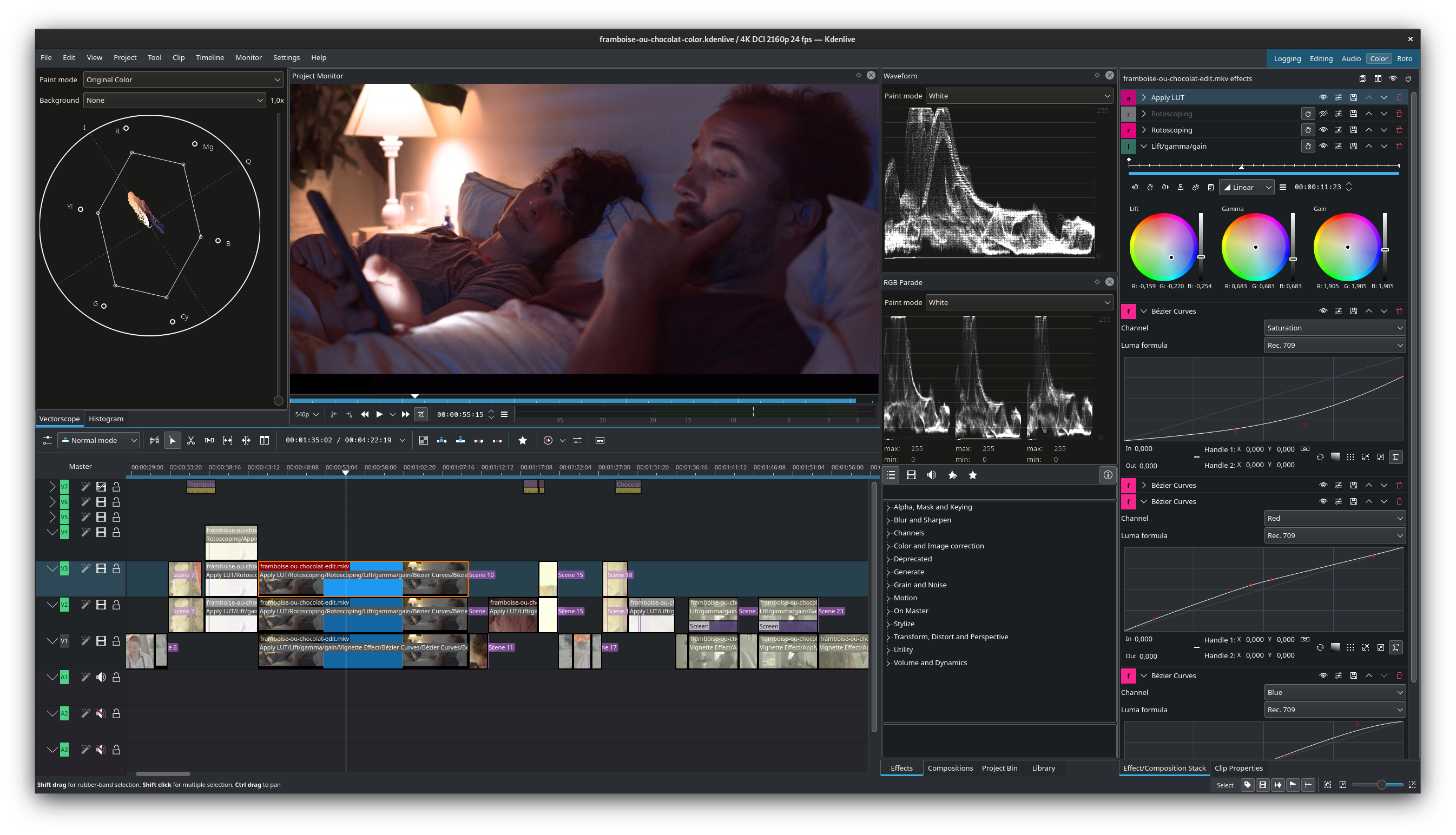
When you can show the loop, record it. Capture clean footage, keep the action easy to follow and make the first few seconds useful. A short honest demonstration is more informative than an ambitious trailer built entirely from promises.
- OBS Studio — Capture gameplay footage and demonstrations.
- Kdenlive — Assemble gameplay trailers with a multitrack video editor.
- Shotcut — Edit and export video for demonstrations and promotion.
- OpenShot — Build a timeline from gameplay clips, titles and audio.
- Natron — Composite shots with a node-based effects workflow.
- HandBrake — Prepare encoded video files from recorded footage.
- ScreenToGif — Capture short loops to explain a mechanic or reproduce a bug.
- VLC Media Player — Check exported video playback outside the editing application.
ArtCraft and the rest of the production desk
NeonRoof also lists the thirteen ArtCraft applications below. They extend the toolkit into design, audio, video and office work. Several listings identify early-alpha or in-development status, so evaluate copied files and required export workflows before relying on them for a deadline. Read the expanded ArtCraft guide for the development labels and official sources.
- PhotoCraft — Image-editing work for textures and promotional graphics.
- VectorCraft — Vector-art workflows for icons and illustrations.
- DesignCraft — Page layouts and visual publishing work.
- LightCraft — Photo-development and image-adjustment workflows.
- FigCraft — Interface design and prototyping.
- FilmCraft — Video editing and trailer experiments.
- EffectCraft — Motion-graphics and compositing experiments.
- SoundCraft — Audio and MIDI production workflows.
- WordCraft — Design documents, feature notes and press-kit drafts.
- GridCraft — Project budgets, content lists and production trackers.
- DeckCraft — Pitch decks and project presentations.
- PdfCraft — PDF-related document workflows.
- CADCraft — Drafting and dimensioned drawings; check export suitability for the intended use.
Other practical helpers in the free catalog include:
- FreeCAD — Parametric designs and dimensioned prototypes; game-ready conversion is a separate step.
- 7-Zip — Package project deliveries and inspect archives.
- PeaZip — Manage archives and prepare compressed handoffs.
- WinSCP — Transfer files to an appropriately configured server.
- KeePass — Organize studio credentials in a password database.
- scrcpy — View and control a compatible Android device during mobile testing.
These are supporting roles, not reasons to complicate a working pipeline. The software’s license and the rights to imported artwork, fonts, music, plugins and sample assets remain separate questions.
When the game becomes understandable, give it a wishlist page
A developer can postpone the public page while waiting for one more feature, a better trailer or a perfect launch date. That makes it harder for someone who enjoyed a clip to find the project again. Once you can explain the game and show representative work, a maintained wishlist page gives that interest a destination.
NeonRoof’s wishlist route is designed for upcoming games before a finished build is ready. You publish with a verified account, accurate game and studio details, and cover and banner art. Add genuine gameplay screenshots, a YouTube video, a demo, a release window and official Steam or itch.io links as they become available.
Create your NeonRoof wishlist page
For editorial coverage, prepare cover art, banner art and at least one genuine gameplay screenshot on the wishlist page. A YouTube trailer is optional. Publishing queues the included editorial request; coverage is prepared separately. A wishlist-only campaign does not require a finished binary or Stripe payout setup. Release sales have their own approval and payment requirements.
See what real NeonRoof wishlist games look like
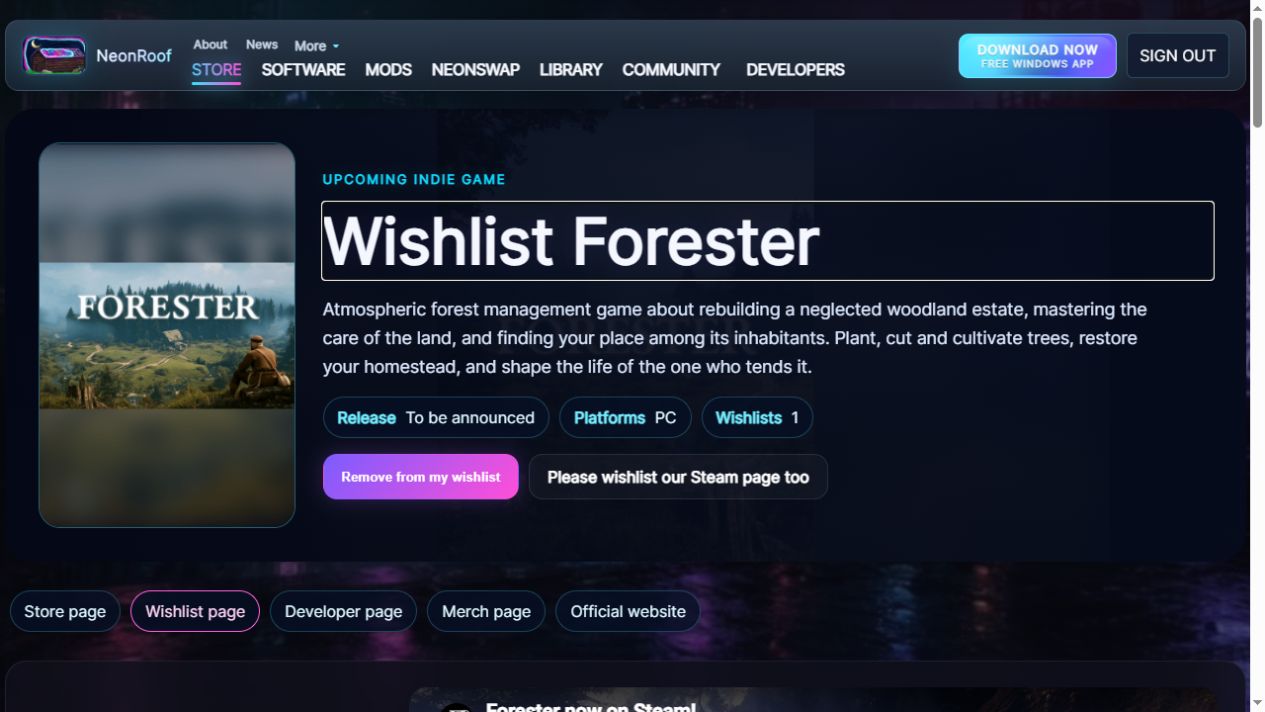
- Forester’s wishlist page presents Albert Nemec’s woodland-management game, its setting and the project’s official destinations. It is an example of giving an atmospheric game a clear public home.
- Blind Man’s Buff’s wishlist page introduces its sound-led multiplayer hide-and-seek idea with developer-provided gameplay material and links. Look at how a distinctive mechanic can be explained before a player downloads anything.
- INDUSTERIA’s wishlist page gives visitors an entry point to an alien-world industrial-colony project, with automation and factory-defense themes.
These examples show how the developers present their games and updates. They are not claims about which tools those studios use or how many wishlists a new campaign will receive. Browse the upcoming-games directory to explore the current listings.
A useful checklist before you publish
- Write one clear sentence about what the player actually does.
- Show genuine gameplay screenshots with readable composition. Label concept art and work in progress accurately.
- Prepare cover and banner artwork you are authorized to use.
- Explain the current development state and give an honest release window, or leave the date open.
- Add the studio’s official website, community and store links where available.
- Return with meaningful playtest, demo, trailer or release updates so the page stays useful.
A NeonRoof wishlist and a Steam wishlist are separate actions. Link the official Steam page so a visitor can choose that platform too. Treat NeonRoof as another connected place for people to discover, follow and discuss the game, with the developer profile, public page and related editorials supporting the same project identity.
Quick answers for independent developers
Is every tool in this article open source?
No. The catalog includes open-source tools and proprietary engines with free download or eligible free-use options. Unity, Unreal Engine and Flax have their own licensing conditions. Review the project’s current terms and any third-party asset licenses.
Do I need all these applications to make a game?
No. Start with one engine or framework and the art, audio and recording tools the project actually needs. Test a small end-to-end workflow before expanding the stack.
Can I publish a wishlist page before the game is finished?
Yes. NeonRoof’s upcoming-game route does not require a finished binary. Prepare a verified account, accurate game information and the required cover and banner art. Genuine screenshots are important for explaining the project and are required for its editorial coverage.
Is a YouTube trailer mandatory?
No. A trailer can help demonstrate the game, but it is optional. Use clear screenshots and an accurate description while the video is being prepared.
Does a NeonRoof wishlist automatically add the game on Steam?
No. Each platform records its own wishlist. Include the official Steam link so visitors can go there and complete that action separately.
What happens when I am ready to release or sell the game?
Move from the wishlist route to the applicable developer approval and release workflow. Review the current publishing options, assisted publishing and publisher terms. Paid sales and payout onboarding are separate from an upcoming-game campaign.
Keep building, and give interested players somewhere to return
The best outcome from a free toolkit is not a longer installation list. It is a game someone can understand, a repeatable production workflow and a public page that stays current as the work improves.
Find your next development tool·Build your game’s wishlist page on NeonRoof
Continue through the indie-developer guides
- Compare the free game-development software catalog.
- Plan a toolchain from prototype to players.
- Prepare an indie game wishlist page before launch.
- See NeonRoof’s illustrated publishing and discovery guide.
- Explore the thirteen-app ArtCraft lineup.
Catalog and publishing workflow checked October 26, 2026. Software features, compatibility, prices and license terms can change. Images are genuine software or website captures with the original sources identified; no AI-generated artwork is used. This is a catalog-based workflow guide, not a claim of hands-on testing of every application.
Image sources: the hero uses the Flax Editor manual. Body images come from Pixelorama’s official gallery, the Blender 2.92 screenshot and attribution page, Kdenlive’s official showcase and NeonRoof’s own Forester wishlist-page capture. The Kdenlive preview includes Framboise ou chocolat by François Téchené.
No comments yet. Start the conversation with a useful, on-topic response.