Join players and independent developers in the NeonRoof Discord community to discuss these games, publishing, and practical game-development work.
Launching an independent PC title is not one upload followed by an announcement. It is a sequence of product, business, storefront, media, community, and support decisions that work best when they are made before release day becomes an emergency.
This 90-day indie launch checklist gives a solo developer or small studio a practical order of operations. It covers the official home page, distribution accounts, store assets, press materials, audience building, quality assurance, payments, release communication, and post-launch support. It also shows where Steam, itch.io, NeonRoof, and the developer's own website can fit without forcing the entire release to depend on one platform.
NeonRoof is independent and is not affiliated with or endorsed by Valve, Steam, or itch.io. Requirements change, so always confirm the current rules on the platform where you plan to publish.
Before the 90-day clock starts: define the release
Write down the release in plain language before building a campaign around it.
- What is the exact public title?
- Who is the release for?
- What does the player do most often?
- What makes this experience different from similar releases?
- Is it finished, early access, a demo, free, paid, or pay what you want?
- Which operating systems and input methods are genuinely supported?
- Who owns the code, name, art, music, fonts, trailer, and other materials?
- Who answers support messages and who can authorize a patch?
These answers become the foundation for storefront copy, metadata, outreach, pricing, interviews, and support. If the team cannot explain the release consistently, the audience will have trouble understanding it.
Developers still deciding where to distribute should begin with Where to Publish Your Indie Game in 2026. It compares the distinct roles of Steam, itch.io, NeonRoof, and an official developer website.
90 to 76 days before release: establish the business foundation
The earliest phase is less exciting than a trailer, but it prevents expensive delays.
Confirm publishing authority
Collect contributor agreements, licenses, music permissions, font licenses, trademark notes, open-source notices, privacy requirements, and platform terms. Confirm that the person or company opening each distribution account has authority to publish and receive revenue. Do not wait until a storefront review or payment check to discover that the legal name, bank name, and publishing name do not match.
Create the official developer identity
Use one consistent studio name, support email, public contact, domain, and logo. Create a simple official page even if the full website is not finished. It should identify the studio, describe the release, link to authorized storefronts, and provide a contact path.
Start platform onboarding early
Open the necessary distribution and payout accounts. Valve's official Steamworks onboarding guide currently describes a 30-day waiting period between paying the app fee and releasing a first title, plus a public coming-soon page that must remain visible for at least two weeks. Steam also reviews the store presence and build before release. The official Steam review documentation recommends allowing at least seven business days for each review path so there is room to correct problems.
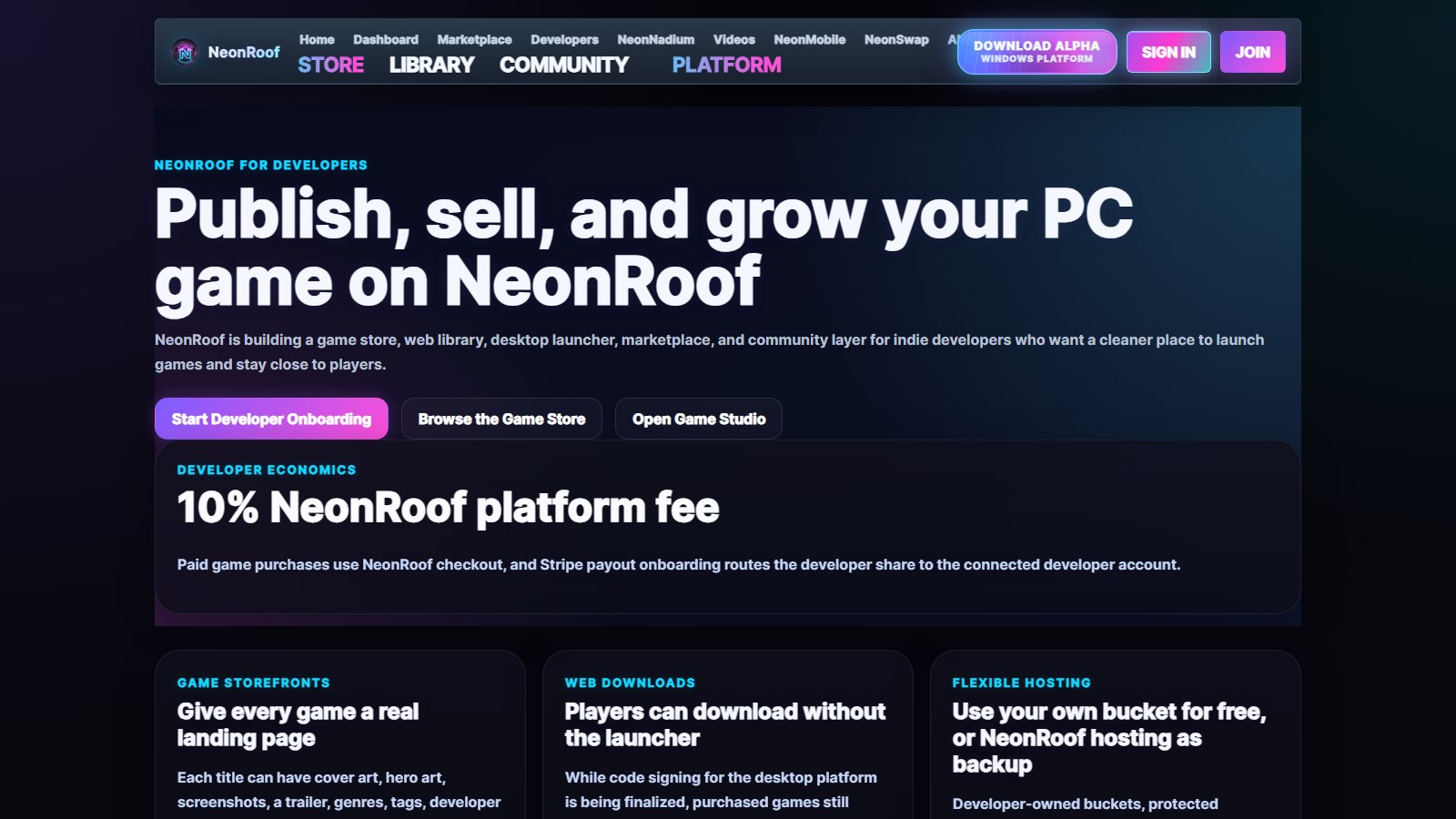
On NeonRoof, developers can begin at the developer publishing center, continue through developer onboarding, and complete secure payout setup for paid releases. A developer who wants hands-on help can use free assisted publishing.
Set one source of truth
Create a release document containing the approved title, short description, long description, feature list, supported platforms, languages, system requirements, links, price, release date, contact details, content disclosures, accessibility notes, and current version. Store owners, translators, community managers, and press contacts should work from the same facts.
75 to 61 days before release: build the public foundation
This phase turns private development into a public presence.
Publish the official landing page
The page should load quickly, work on mobile, and state the value of the release near the top. Include a trailer or short gameplay clip, screenshots, supported platforms, release status, a primary call to action, contact information, and links to authorized storefronts. Add a unique page title, a concise meta description, canonical URL, social preview image, and structured data where appropriate.
Open storefront pages
Create the Steam coming-soon page, itch.io page, NeonRoof listing, or other authorized distribution pages included in the plan. Do not copy a wall of identical text. Keep the facts consistent while adapting the opening, image order, and call to action to the behavior of each audience.
The NeonRoof guide to publishing an indie PC title explains its account, media, build-delivery, and payout workflow. The NeonRoof launch-strategy editorial explains why an additional searchable storefront can support a broader distribution plan.
Prepare the visual asset system
Build from editable masters, not screenshots of screenshots. Keep layered sources, transparent logos, light and dark logo versions, horizontal and vertical artwork, thumbnail-safe crops, and clean screenshots without accidental personal information.
Steam's current graphical asset documentation lists the required capsule, library, and screenshot dimensions. Use the live templates because platform specifications can change. Create each asset deliberately rather than stretching one image into every ratio.
Start the press kit
Create a public, stable press-kit URL now. Include a factsheet, short and long descriptions, release status, key features, developer biography, contact information, logos, screenshots, trailer links, store links, and clearly labeled downloadable media. The companion guide, How to Make an Indie Game Press Kit Journalists Can Actually Use, provides the complete structure.
60 to 46 days before release: test the message
The release should now be understandable to someone who did not watch development.
Test the opening sentence
Show the short description, first screenshot, and first ten seconds of the trailer to people outside the team. Ask them what they believe the release is, what they would do, and who it is for. Do not explain before they answer. Confusion at this stage is valuable because it can still be corrected.
Publish useful development communication
Share material that answers a real question: how a mechanic works, why an accessibility choice was made, what changed after testing, how an unusual technical problem was solved, or what the team learned. A developer article should give readers a reason to remember the studio, not simply repeat a purchase link.
The editorial Indie Game Developers Need More Ways to Get Discovered explains why a release needs several discovery paths. Indie Game SEO in 2026 covers the relationship between studio pages, storefronts, editorials, and internal links.
Build a qualified contact list
Identify journalists, newsletters, YouTube creators, streamers, podcasters, community organizers, and curators who already cover the relevant genre, production method, or development subject. Record the name, outlet, recent relevant work, preferred contact method, language, region, and why the release may fit. A smaller researched list is better than a scraped list of unrelated addresses.
Prepare the preview path
Decide whether outreach recipients receive a demo, review build, key, private download, guided session, or public build. Document installation, controls, approximate session length, known issues, save behavior, embargo details, and the correct support contact. Test the exact path a recipient will use.
45 to 31 days before release: prove the release candidate
Marketing cannot rescue a package that does not install or a support process that nobody owns.
Test on clean systems
Use a clean Windows account or machine that does not contain the development tools and dependencies. Test download, installation, first launch, permissions, controller and keyboard input, save creation, update, uninstall, antivirus behavior, firewall prompts, display scaling, ultrawide behavior, and minimum supported hardware.
Freeze public promises
Compare the current build with every feature, language, operating system, screenshot, and statement shown publicly. The Steam review process specifically checks that listed features exist in the build and that screenshots show actual gameplay. Remove or clearly label future work instead of hoping nobody notices.
Prepare launch-day support
Write answers for installation failures, missing dependencies, lost saves, controller mapping, display issues, account access, payment questions, refunds, and broken downloads. Create an internal escalation path for anything involving security, payment, personal data, or widespread build failure.
Confirm analytics without invading privacy
Decide what needs to be measured: page visits, trailer engagement, demo downloads, wishlists, newsletter signups, support volume, purchases, refund requests, or crash reports. Collect only what is necessary, disclose it properly, and verify that consent and privacy behavior match the regions you support.
30 to 15 days before release: turn preparation into a campaign
Submit store pages and builds for review
Do this with room to respond. A planned seven-business-day buffer is safer than submitting on the final possible day. Keep a written record of the exact build number and assets submitted.
Begin personalized outreach
Use a short subject line, address the recipient correctly, explain why the release fits their work, state the news in the opening lines, and provide one stable press-kit link. Mention the release date, platform, access method, embargo if any, and contact. Avoid large unsolicited attachments and do not pretend a bulk message is personal.
Coordinate owned channels
Prepare the website, mailing list, community post, store announcement, developer profile, and support status page. Give each channel one clear action. On Steam, the official wishlist documentation explains that players can be notified at release or discount, while also warning that no formula accurately predicts sales from wishlists.
Submit an editorial pitch
Developers can use the Submit Your Game for NeonRoof News form for editorial consideration. Lead with the story: an unusual process, meaningful milestone, technical lesson, accessibility advance, studio origin, community achievement, or release decision. Coverage is an editorial decision, not an automatic reward for creating a listing.
14 to 8 days before release: rehearse the public day
Run a release rehearsal using the exact accounts and files intended for launch.
- Confirm every store page, price, date, platform, and language.
- Download and install the release package through each delivery path.
- Test purchase or claim flows where permitted.
- Confirm payout readiness and tax status.
- Open every link in the press kit and launch communication.
- Verify the support inbox and internal alerts.
- Prepare a rollback or hotfix decision tree.
- Assign one person to monitor platform status and one to communicate publicly.
If a developer encounters a NeonRoof submission problem, use publishing help before launch day.
7 to 1 days before release: protect the launch
Avoid unnecessary last-minute scope. Fix release-blocking problems, document known issues, and move nonessential improvements to the post-launch plan.
Schedule drafts without automating every human interaction. Prepare accurate social previews and localized copy. Confirm that journalists and creators with advance access still have working links. Send a concise reminder only when it adds useful information.
Back up the final build, store assets, release notes, database or service configuration, keys, licenses, and press kit. Record checksums and version numbers. Make sure another authorized person can respond if the primary developer becomes unavailable.
Release day: communicate, observe, and support
Verify before announcing
Open the public page as a signed-out visitor. Complete the real download or purchase path. Confirm the correct version is delivered. Check the support link, social card, price, regional availability, and launcher presence.
Publish one clear announcement
State what was released, for whom, on which platforms, at what price, and where to learn more. Give readers one primary destination, then list alternative authorized storefronts below it.
Monitor patterns, not every opinion
Separate widespread technical failures from individual preference. Track repeated crash signatures, download errors, account problems, payment failures, and confusing instructions. Respond publicly when the information helps many people and privately when personal account details are involved.
Patch carefully
Do not replace a known release build without documenting the change. Update version numbers, release notes, checksums, support information, and platform packages together. Retest the delivery path after every urgent update.
The first 30 days after release
The launch is not finished when the announcement scrolls out of view.
Days 1 to 3
Prioritize crashes, installation failures, payment or entitlement problems, lost progress, and severe accessibility blockers. Publish known issues and realistic response times.
Days 4 to 7
Review repeated questions. Improve the store description, screenshots, onboarding, support documentation, and trailer positioning where evidence shows confusion. Thank people for useful reports without pressuring them for positive reviews.
Weeks 2 to 4
Publish a transparent update. Share what changed and what remains. Refresh the press kit if assets, pricing, availability, or contact details changed. Follow up with relevant press contacts only when there is actual news.
The guide How to Promote Your Indie Game for Free in 2026 contains additional low-budget promotion work that can continue after launch.
The 90-day launch checklist at a glance
By day 90
- publishing rights confirmed;
- official identity and contact established;
- platform accounts and payouts started;
- release facts documented.
By day 75
- official landing page live;
- storefront drafts opened;
- visual asset system prepared;
- press-kit URL created.
By day 60
- message tested with outsiders;
- qualified media list started;
- preview path tested;
- development communication underway.
By day 45
- clean-system testing completed;
- public promises matched to the build;
- support material drafted;
- analytics and privacy reviewed.
By day 30
- stores and builds submitted for review;
- personalized outreach started;
- owned-channel plan prepared;
- editorial pitch ready.
By day 14
- release rehearsal completed;
- links, pricing, payouts, downloads, and alerts verified;
- rollback and hotfix roles assigned.
By day 7
- final build and assets backed up;
- known issues documented;
- launch messages localized and checked;
- unnecessary scope frozen.
A launch plan should reduce uncertainty
No checklist can guarantee sales, coverage, reviews, rankings, or inclusion in an AI-generated answer. Its purpose is to replace preventable surprises with deliberate decisions.
Build the business foundation early. Give storefront reviews enough time. Make the press kit easy to use. Test the real delivery path. Communicate a clear promise. Keep support ready after the announcement.
For the next step, read How to Make an Indie Game Press Kit Journalists Can Actually Use, then create a NeonRoof developer account or use free assisted publishing when you want help assembling the release.
Turn discovery into a sustainable process
Connect content, community, demos, and measurement with How to Market an Indie Game Organically in 2026.
Related guide for players and developers
Learn how to find hidden-gem indie games before they get popular and which discovery signals help players find new projects.
Free tools for building and publishing an indie game
Continue with the NeonRoof software collection to turn an idea into game assets, marketing material, and a public game page ready for players.
- Best Free Game Development Software for Indie Developers in 2026
- Indie Game Art and Trailer Workflow With Blender, GIMP, and HandBrake
- The Indie Game Development Toolchain: From Prototype to Players
A practical next step for indie developers
Turn the 90-day checklist into concrete store-page checks and a release schedule you can maintain. Test the build and media before launch, and leave time for rights verification, payout setup and support.
Check your description, artwork dimensions, sales assumptions and release timing with the free Indie Dev Tools hub. These checks help you prepare a clearer launch; they do not predict search rankings or guarantee sales.
No comments yet. Start the conversation with a useful, on-topic response.