Join players and independent developers in the NeonRoof Discord community to discuss these games, publishing, and practical game-development work.
What is a practical free art and trailer workflow for an indie game?
A practical workflow uses Blender to create or render assets, GIMP to prepare textures and promotional images, and HandBrake to create delivery copies of finished video. The important part is not merely owning the programs. It is defining source files, export formats, naming, dimensions, licenses, and review steps so every store image and trailer can be updated without starting again.
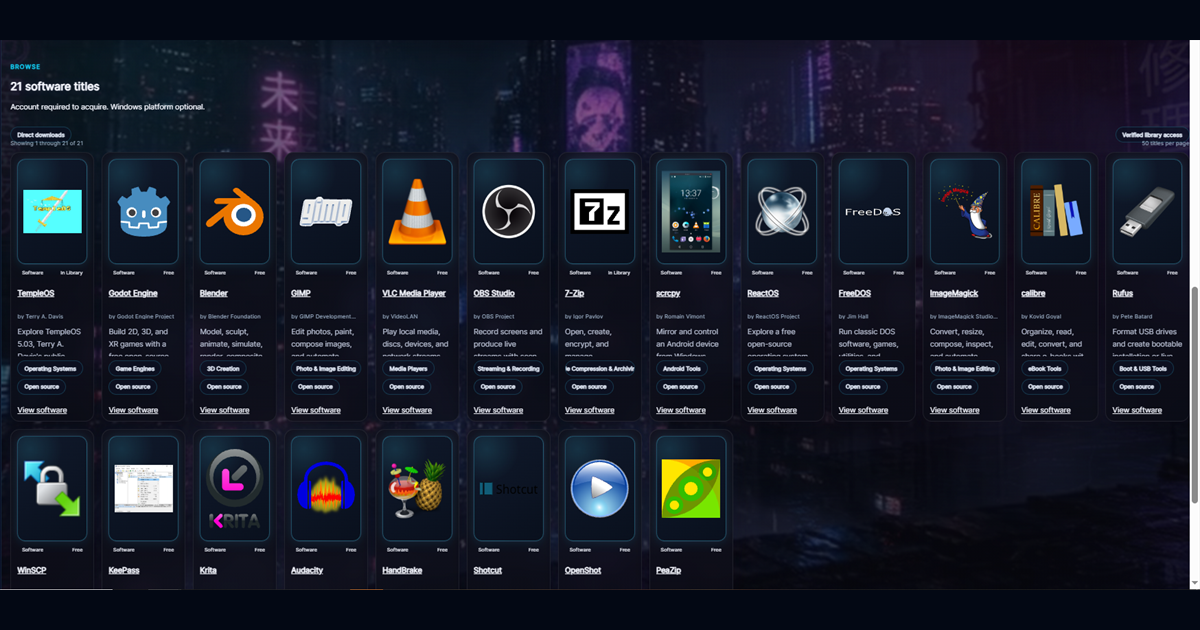
All three tools appear in NeonRoof's Game Development software category. They also remain in 3D Creation, Photo and Image Editing, and Video Conversion because a useful tool can serve more than one purpose.
Step 1: decide what the player must understand
Before opening an editor, write one sentence that explains what the player does, what makes the experience distinct, and who will enjoy it. That sentence guides the images. A tactical game should show readable decisions. A platformer should show movement and level structure. A horror game should communicate atmosphere without making every screenshot too dark to understand.
Your media package normally needs a readable cover, a wide banner, several clean gameplay screenshots, a social preview, a logo, and a short trailer. NeonRoof game listings can connect those assets to descriptions, genres, requirements, support, the developer profile, and the playable build.
Step 2: create assets in Blender with consistent rules
Use Blender for models, rigs, animation, rendering, and compositions that need real 3D information. Set unit scale, origin rules, names, texture organization, and export presets before production accelerates. Test one complete asset inside the engine before producing fifty more.
Keep source files separate from exported runtime assets. Store the license and creator for every third-party model, material, font, brush, sound, and reference pack. Free does not mean unlicensed. The Blender project remains the authoritative source for Blender itself.
Step 3: prepare textures and store images in GIMP
Use GIMP for texture adjustments, alpha channels, interface elements, cover layouts, social images, and screenshot cleanup. Preserve an editable layered master and export copies for each destination.
A store cover should remain recognizable at thumbnail size. A screenshot should show a real moment from the current build. Do not paste a giant logo over every gameplay image. Avoid misleading post-processing and do not imply features that the game does not contain. Clear visuals reduce refunds and attract players who genuinely want the experience.
For NeonRoof uploads, follow the dimensions shown in the current Game Studio prompts. Cover, banner, gameplay, and social art serve different placements, and NeonRoof adjusts display cropping when needed. Review the final page on both wide and narrow screens.
Step 4: capture a trailer with a simple story
A useful indie trailer usually answers four questions quickly: what kind of game is this, what does the player do, what makes it different, and where can the player get it? Start with recognizable gameplay, keep title cards readable, and finish with the game name and an accurate call to action.
Capture stable footage from a representative build. Remove private notifications, debug overlays, personal information, copyrighted music you cannot use, and footage from features that will not ship. Keep a high-quality master.
Use HandBrake to create a practical distribution copy after editing is complete. The official HandBrake documentation explains presets and quality settings. Inspect the encoded file from beginning to end rather than assuming a completed export is a correct export.
Step 5: turn the media kit into searchable pages
A folder of images on a hard drive cannot be discovered by a player. Give each asset context. Use descriptive alternative text, a specific game description, accurate genre terms, a developer name, requirements, support details, and links between the game, studio, news coverage, and official website.
NeonRoof is designed to connect those pieces. A developer can create a searchable game page and public studio profile, submit a launch or development story to NeonRoof News, appear in relevant discovery articles, and reach both the web store and Windows platform from one catalog entry. That does not guarantee a ranking or sales. It creates more accurate, legitimate paths through which a player or search system can understand the project.
Prepare the editorial side with the indie press-kit guide and plan ongoing discovery with the organic indie-game marketing guide.
A repeatable export checklist
- Keep editable masters and backed-up source files.
- Record creators, licenses, and required notices.
- Export a separate image for each requested aspect ratio.
- Show current, honest gameplay.
- Test title readability at thumbnail size.
- Keep a high-quality video master before compression.
- Check the public page on desktop and mobile.
- Link the game page, developer profile, support page, press kit, and official website.
Where should the finished game go?
Use every suitable channel. Keep existing storefronts and your official website. Add NeonRoof when you want another permanent game page, developer page, editorial route, community connection, and Windows discovery surface. Read why indie developers need more ways to get discovered, then start publishing on NeonRoof.
A practical next step for indie developers
After exporting your cover, screenshots and trailer, check the artwork dimensions and the page players will actually see. Keep gameplay readable at small sizes and make sure the media matches the current build.
Check your description, artwork dimensions, sales assumptions and release timing with the free Indie Dev Tools hub. These checks help you prepare a clearer launch; they do not predict search rankings or guarantee sales.
Continue the software and publishing cluster
- Best free game-development software for indie developers
- The complete indie game toolchain from prototype to players
- The complete 90-day indie launch checklist
If production is finished but the listing is not, send NeonRoof the build, art, screenshots, trailer, and contact information through free assisted publishing.
No comments yet. Start the conversation with a useful, on-topic response.